
Removing Spook
Spook leaves as easily as it came. The one thing to know up front: once it is gone, it can no longer tell you what broke. So check first, then remove.
Only want it quiet for a while? Disable Spook from the menu of its integration entry, the row called Your homie under Settings > Devices & services > Spook. Everything is kept for when you enable it again.
Check what you use first
Four things stop working without Spook.
- Actions. Every action from Spook carries a 👻 in the automation and script editors. Not sure about one? The actions list has them all.
- Triggers and conditions. They carry no 👻. Compare with the triggers and conditions pages. In YAML, they start with
spook.. - Helpers. Calibration, inverse and time in state. Go to Settings > Devices & services > Helpers to see if you made any.
- Blueprints. A blueprint that uses one of Spook's actions needs Spook, like the ones on the blueprints page.
Replace or remove what you find. That includes the dashboards and automations that use one of those helpers, or one of Spook's sensors and buttons.
Remove Spook
1. Remove the helpers
Skip this if you have none.
- Go to Settings > Devices & services > Helpers.
- Open each helper made with Spook, and delete it.
Do this first. A helper you leave behind stays in the list after Spook is gone, and cannot load anymore.
2. Remove the integration
- Go to Settings > Devices & services.
- Select Spook.
- Open the menu of the integration entry, and select Delete.
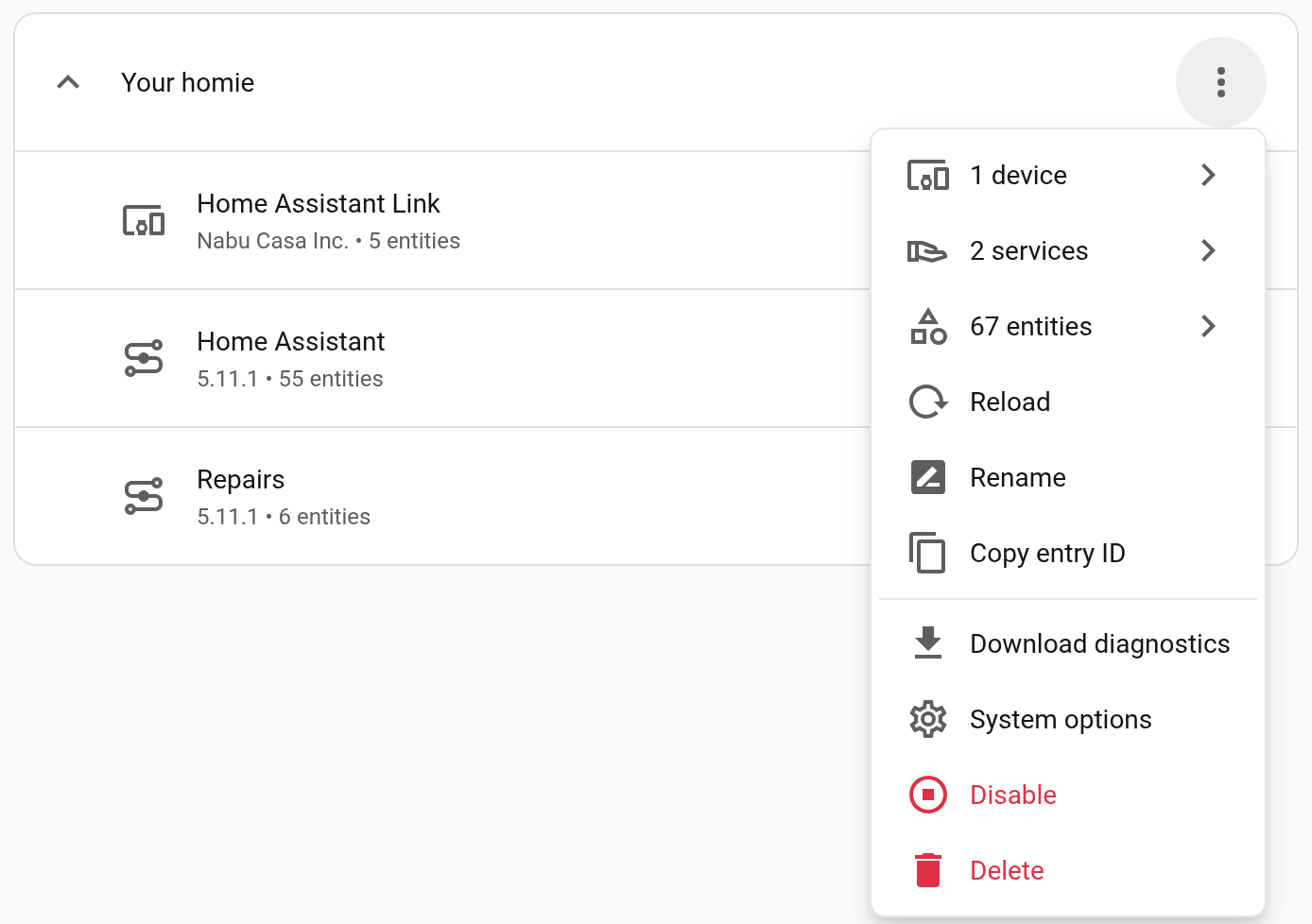
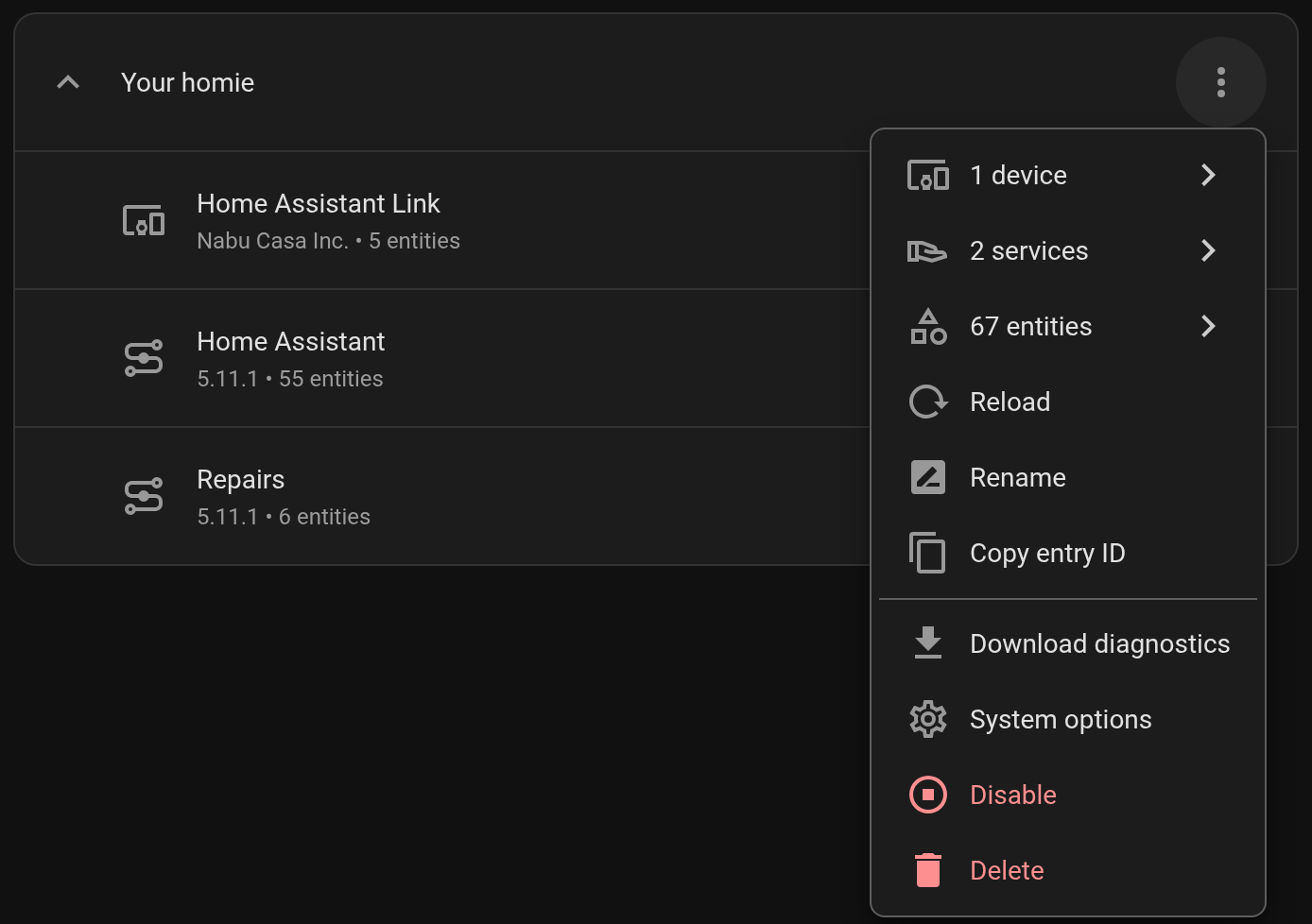
Spook's actions, entities and devices are gone from this moment.
3. Remove the files
- Go to Settings > Marketplace.
- Select Spook.
- Remove it from there.
- From the Home Assistant sidebar, select HACS.
- Select Spook.
- Open the menu in the top right corner, and select Remove.
4. Restart Home Assistant
Go to Settings > System, select the power button in the top right corner, and select Restart Home Assistant.
Done. 👋
What goes with it
- Its repairs. They leave the repairs dashboard with the restart.
- Its devices and entities. The sensors, switches, buttons and the rest that Spook added.
- Its actions, triggers and conditions.
- Its helpers, as removed in step 1.
What stays
- Everything that is yours. Your devices, entities, areas, automations, scripts and dashboards. Spook only changed those when you told it to, and it changes nothing on the way out.
- What you did with Spook. An area you created with one of its actions is an area like any other. A problem you fixed through a repair stays fixed.
- Two small files. Spook keeps what you ignored, and which automations it holds for you, in the
.storagefolder of your configuration, in files that start withspook.. Removing Spook leaves them there. Install Spook again, and it remembers what you ignored. Delete them if you want every trace gone.
What breaks
- An automation or script that uses one of Spook's actions fails at that step.
- An automation that uses one of Spook's triggers or conditions stops working.
- A dashboard card or automation that uses an entity from Spook, or from one of its helpers, points at something that no longer exists.
- An automation you snoozed with Spook stays off. Nothing is left to wake it up, so turn it on yourself.
The problems Spook found in your setup are still there too. There is only nobody left to point at them.
Changed your mind? Installing it again takes a few minutes.