Finds the ghosts 👻
It finds what quietly broke.
Rename a lamp, replace a sensor, remove an integration, and somewhere an automation stops working without a word. Spook notices, and tells you on your repairs dashboard. 70 kinds of problems, and it keeps looking.
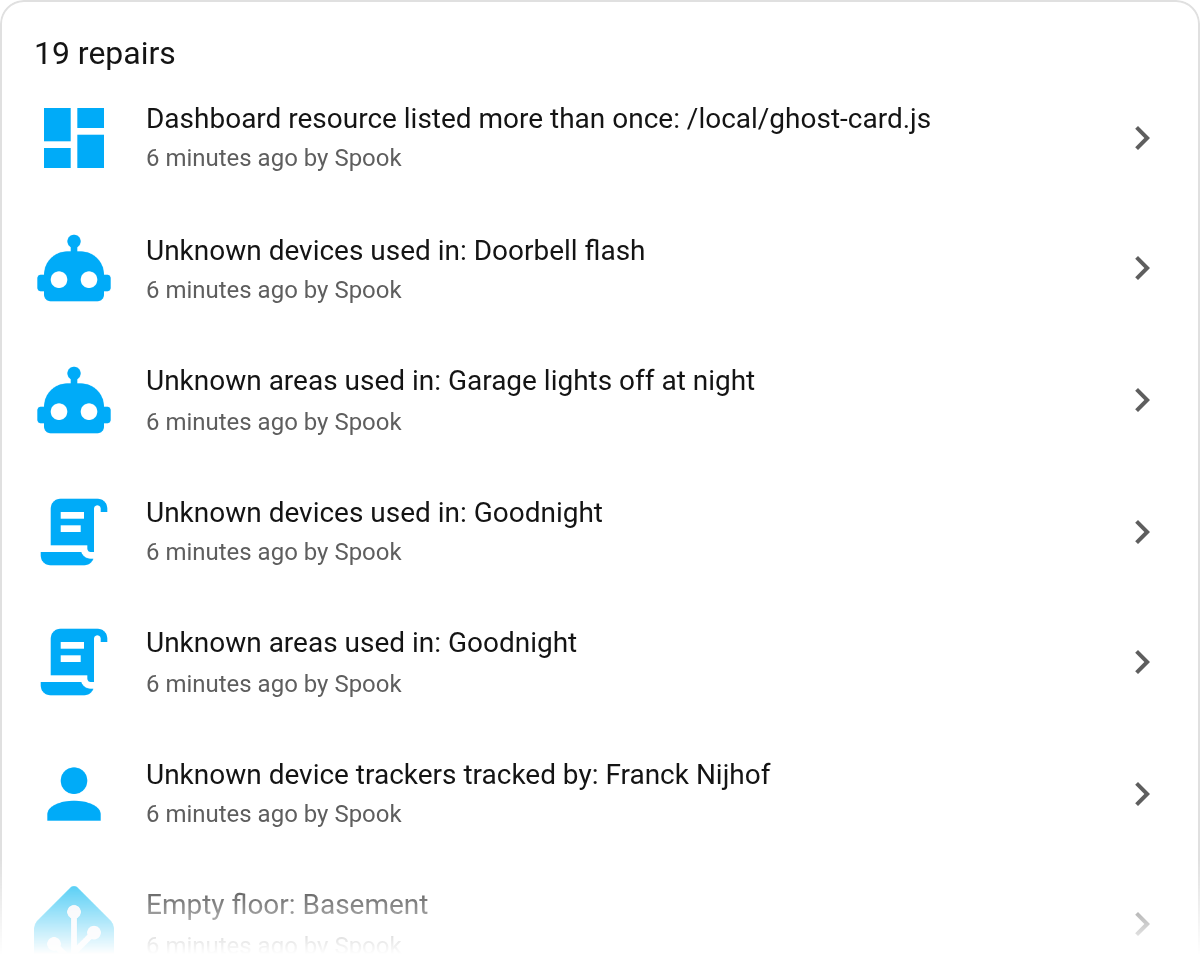
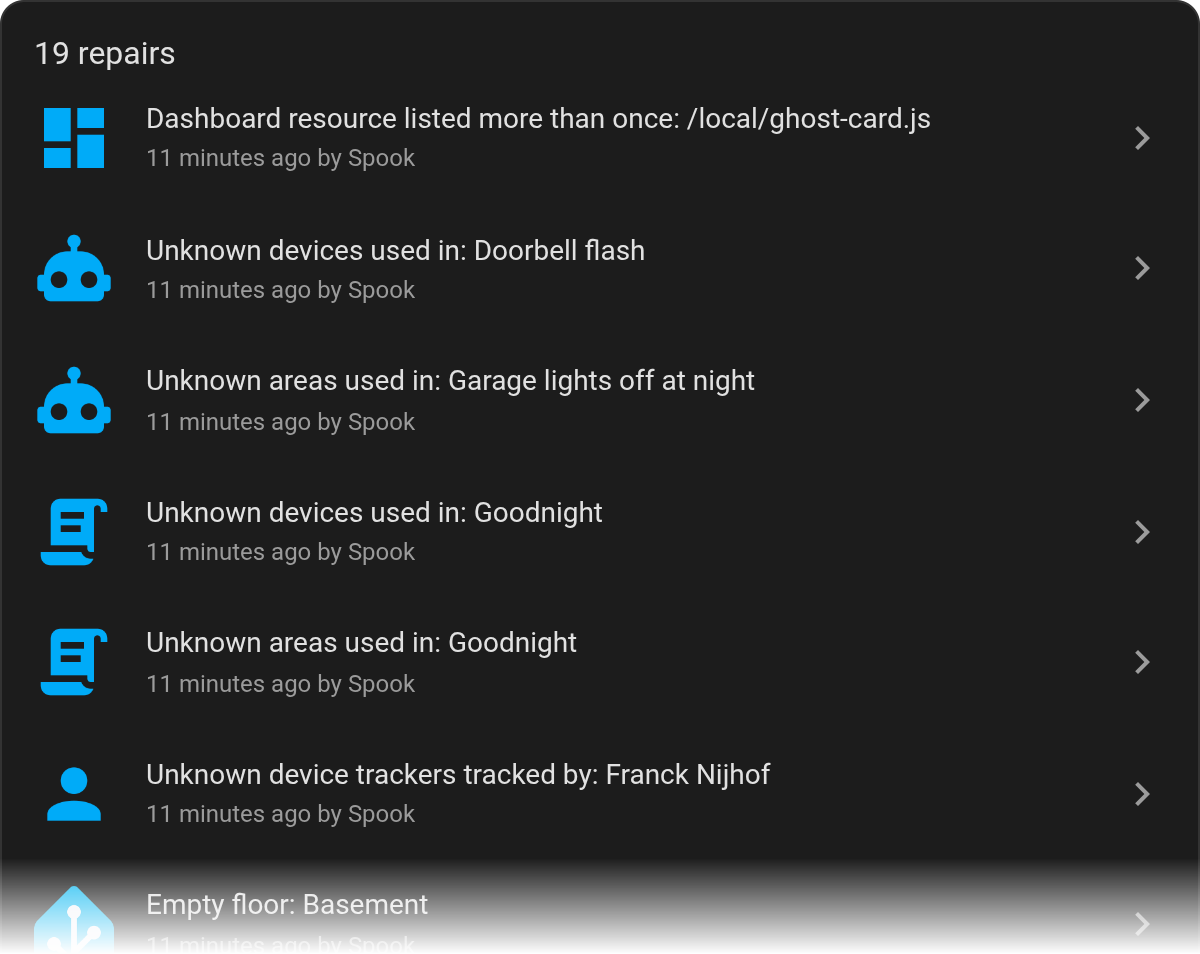
Exactly what, and where
No hunting through YAML.
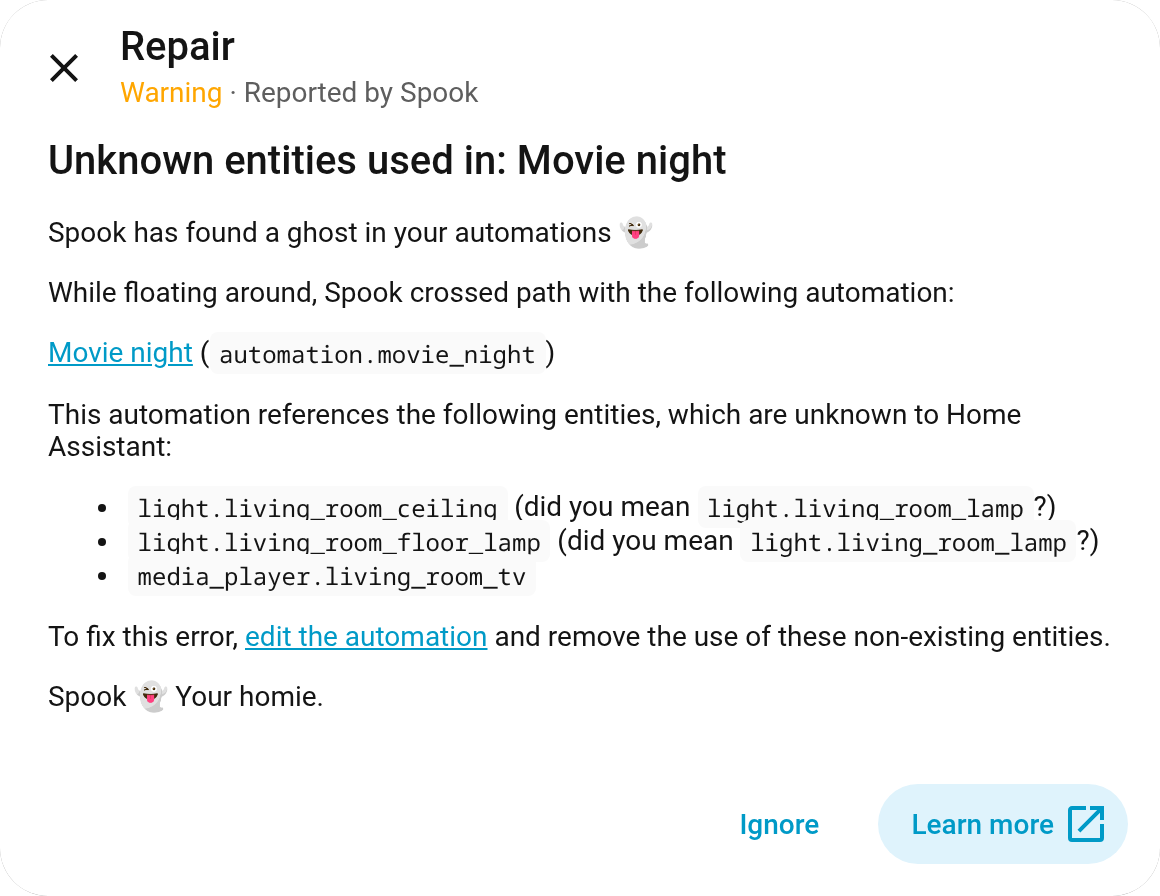
Every repair names the place with the problem, and what is wrong with it. Select the name, and you are in the editor, right where it needs fixing.
- Points at the spotThe automation, script or dashboard, with a link straight to it.
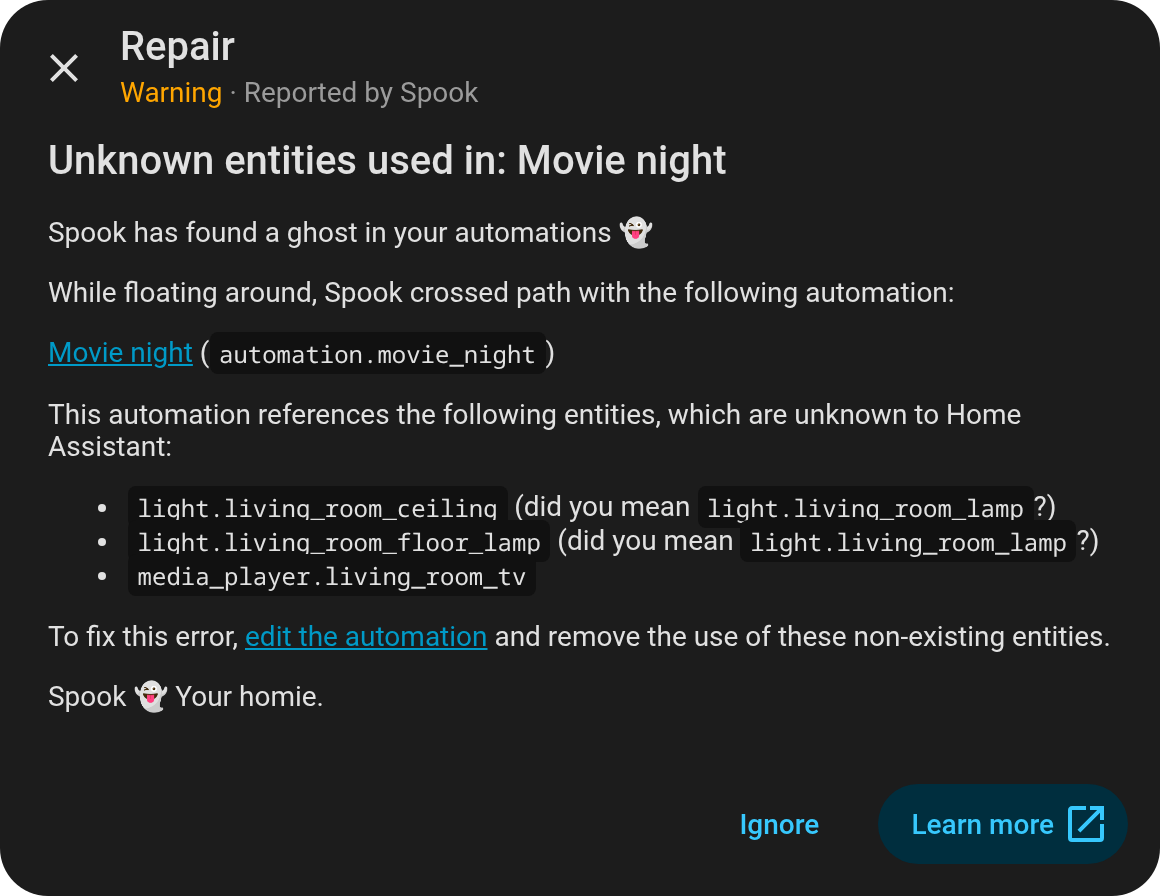
- Guesses what you meantRenamed a lamp? When Spook is nearly certain, it suggests the new name.
- Goes away by itselfFix it and save. Spook looks again and clears the repair. Nothing to tick off.
Fixed for you
Say yes, and it is gone.
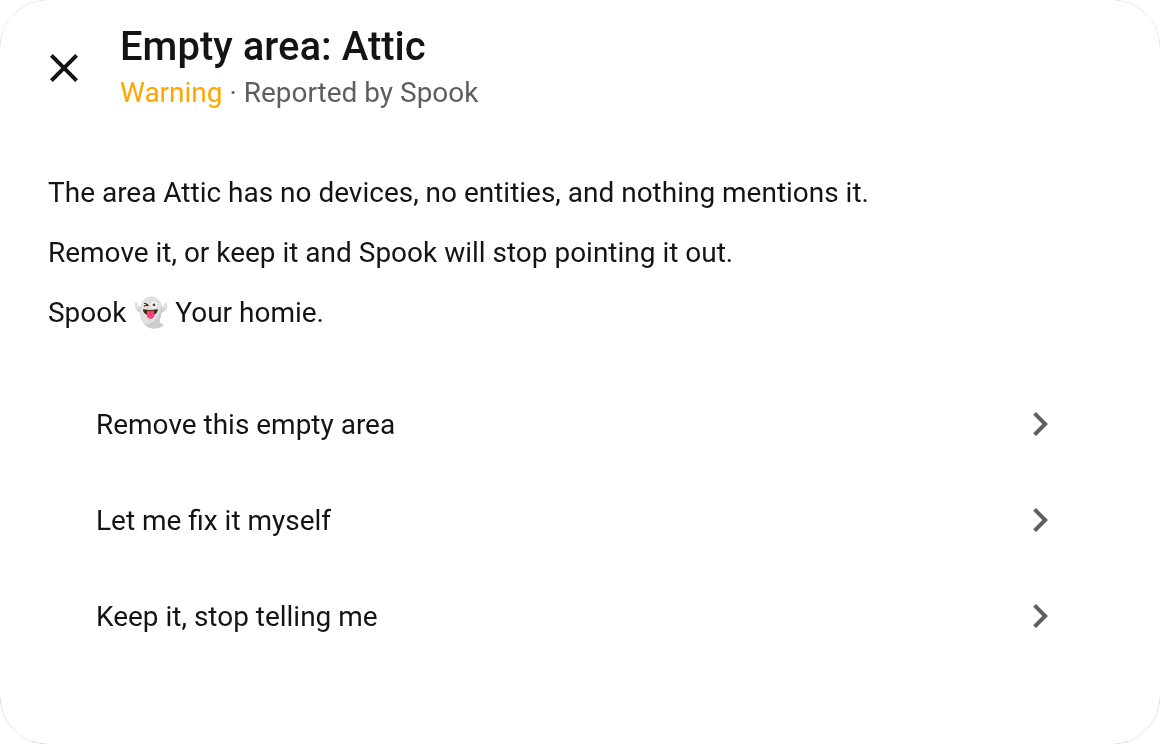
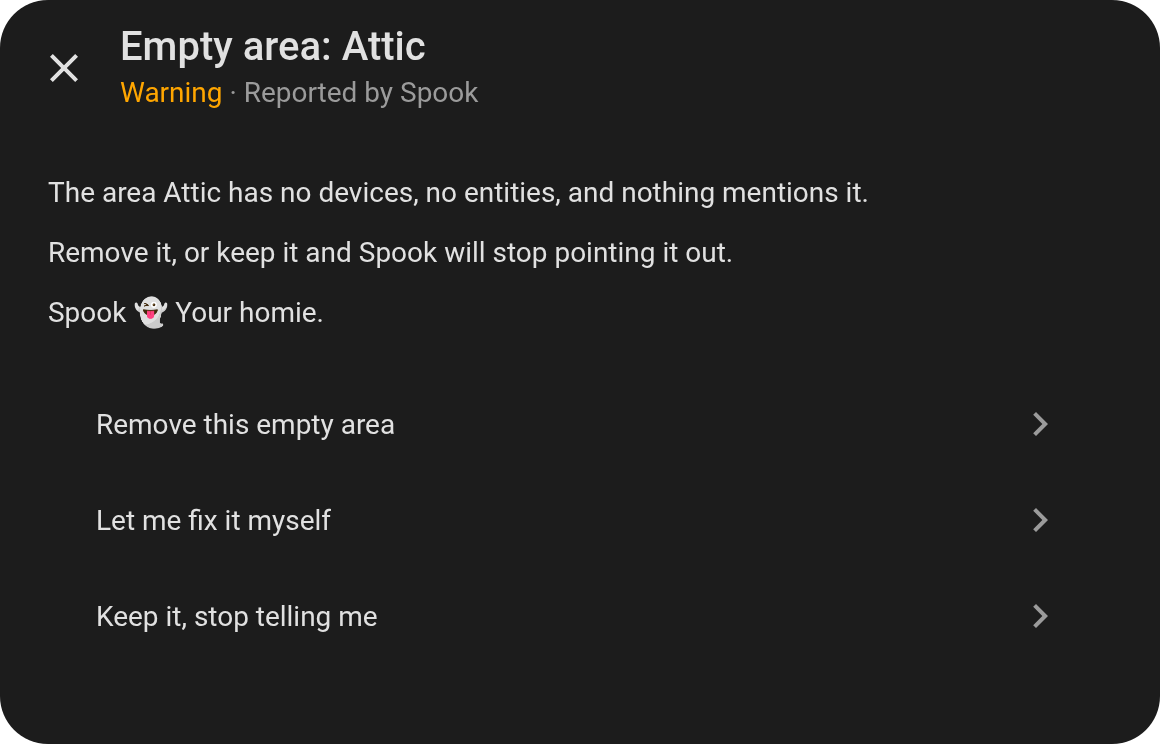
Plenty of repairs come with a fix. An empty area, an unused label, a person still tracking an old phone. Spook offers to clean it up, and asks first.
- You decideRemove it, fix it yourself, or keep it. Spook never cleans up without asking.
- Keep it, and it stays quietMeant to be like that? Say so once, and Spook stops pointing it out.
- Checked again before it actsIf something changed since Spook looked, it leaves it alone.
The tour goes on 🕯️
Seen this part? There is more.
Triggers, conditions and actions 🧰
Automations, without the workarounds.
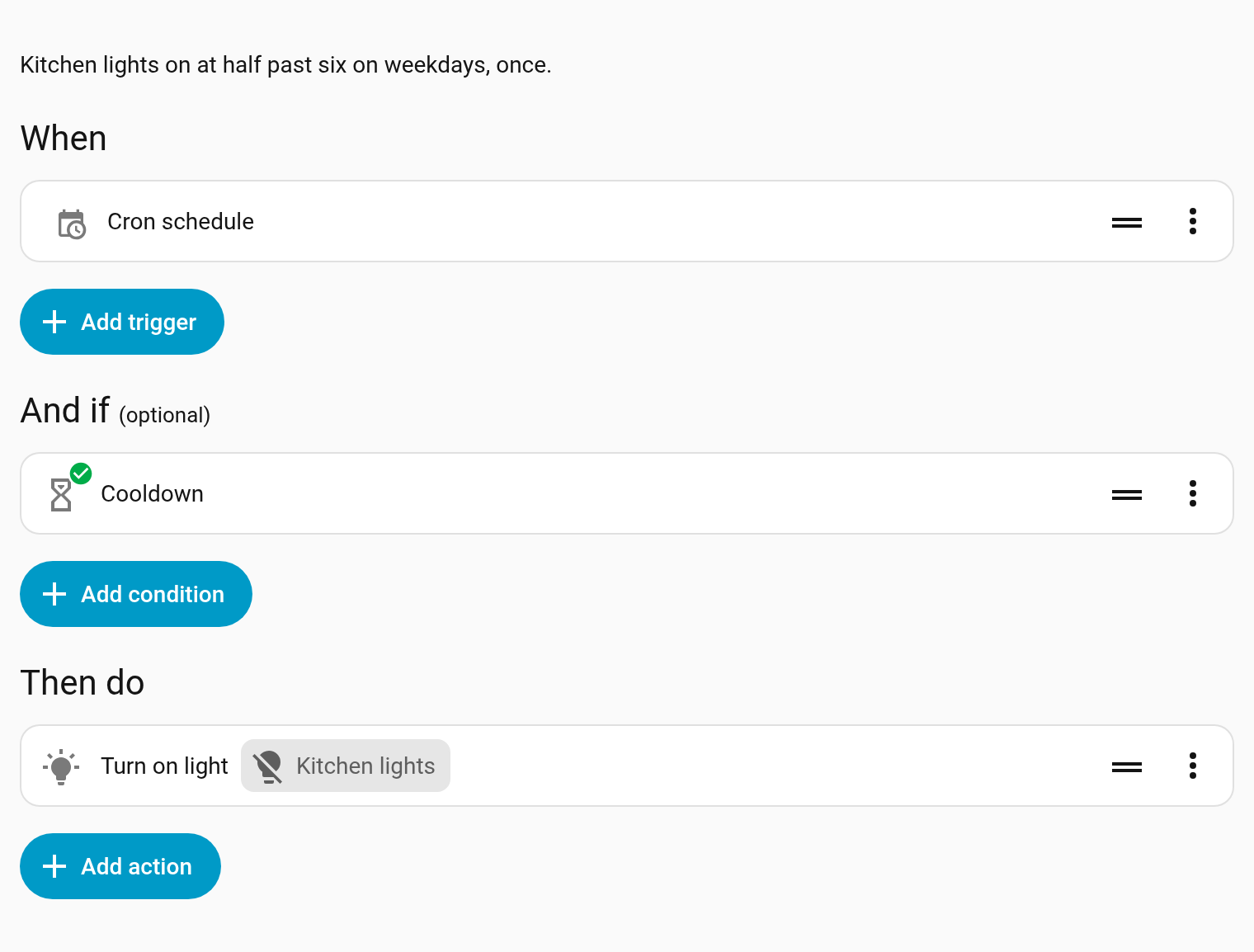
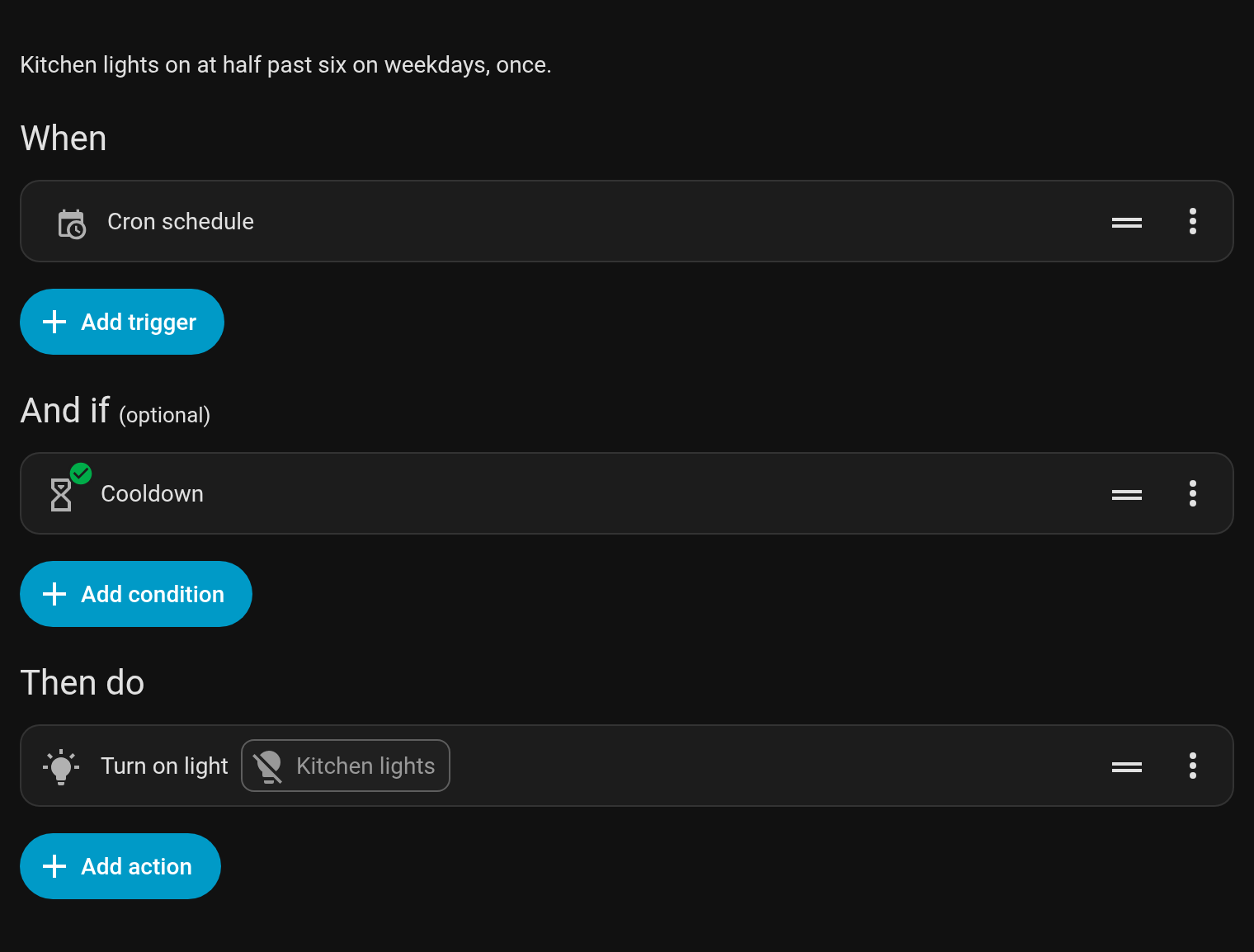
Spook adds triggers, conditions and actions to the automation editor of Home Assistant, for the things you kept building helpers for.
Take this part of the tour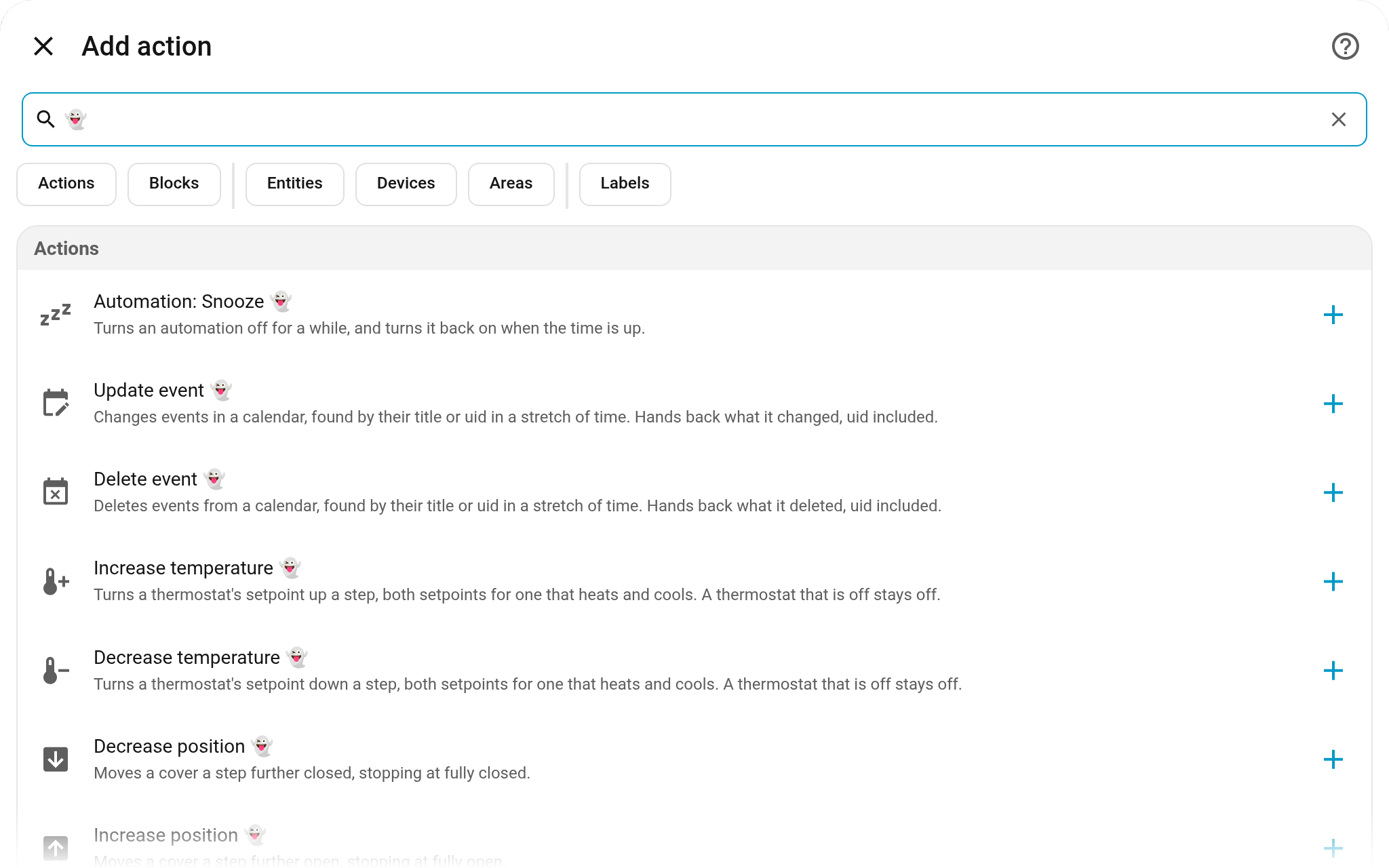
The rest of the toolbox 🧰
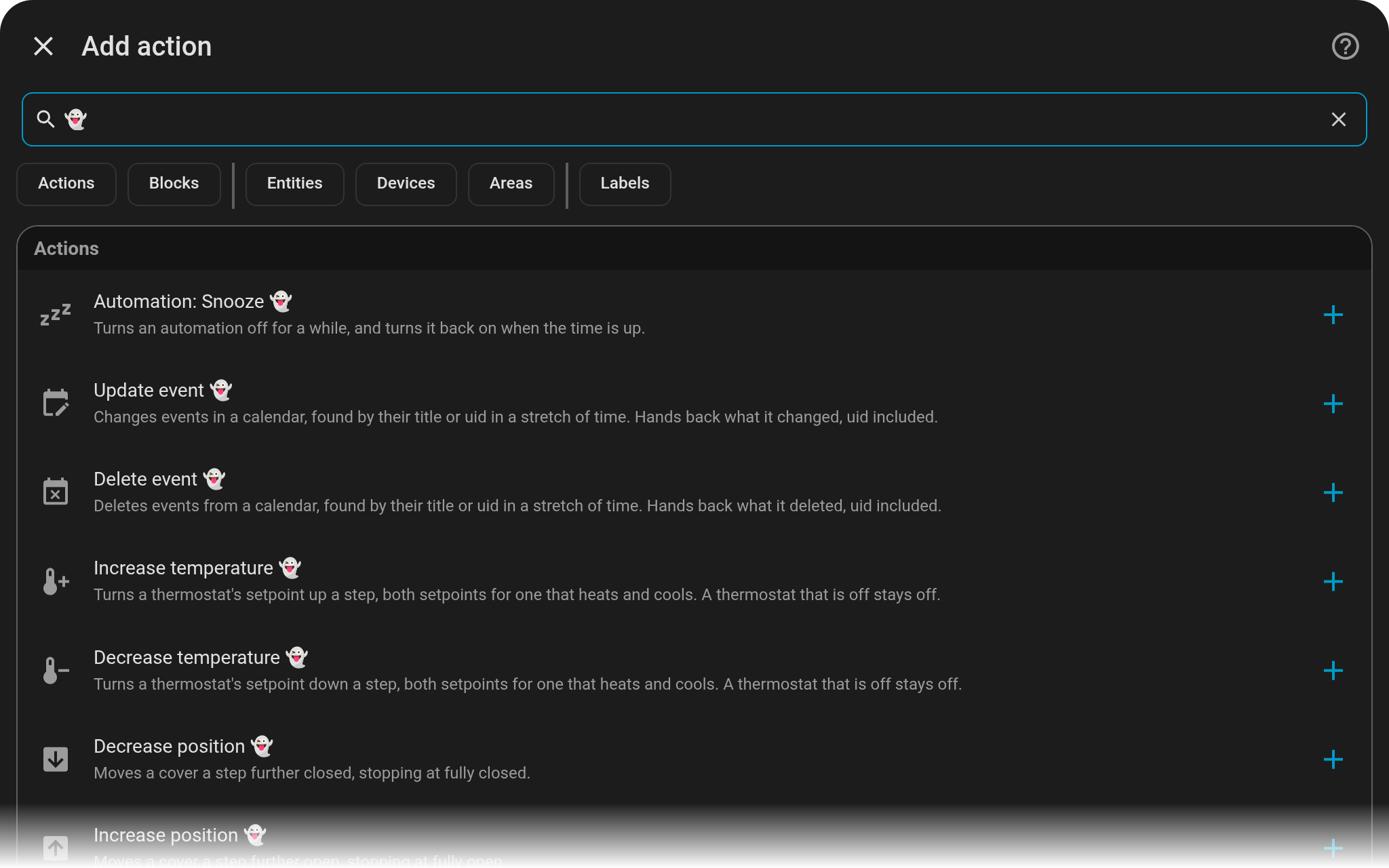
Type 👻. See all of it.
Spook adds actions, helpers and sensors to the places of Home Assistant you already use. Search for the ghost, and you see all of it.
Take this part of the tour Is it safe?What does it cost?Can I get rid of it again?
Straight answers 🙋
Not sold yet? Fair.
What it is, what can break, and what happens when you remove it. No marketing.
Read the straight answersReady for the “Booo!”
Free and MIT licensed. Install it from the Marketplace in your Home Assistant.