Fix your first repair
Spook reported a problem, and you want it gone. This guide uses the most common one as its example: an automation that uses an entity that no longer exists. Every other repair from Spook works the same way.
You need: Spook installed, and a repair from Spook in your repairs dashboard. It takes about five minutes.
What happened?
At some point you renamed, replaced or removed something: a lamp, a motion sensor, a whole integration. An automation that used it still points at the old name. Home Assistant runs the automation without complaining, and the step that uses the missing thing does nothing.
Spook noticed, and raised a repair so you know.
Step 1: Open the repair
- In Home Assistant, go to Settings > Repairs. Or use this button:

- Select the issue that starts with Unknown entities used in.
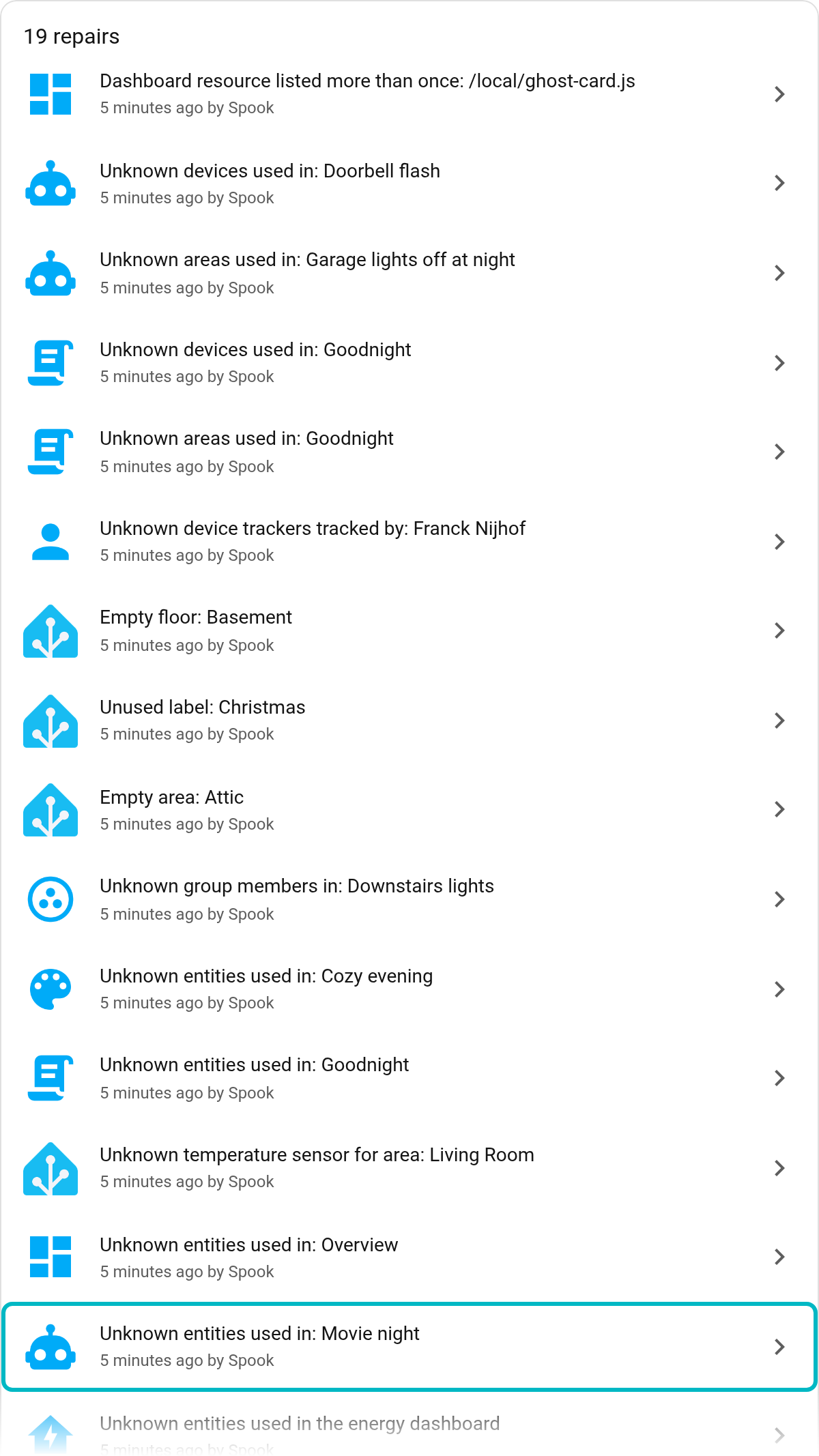
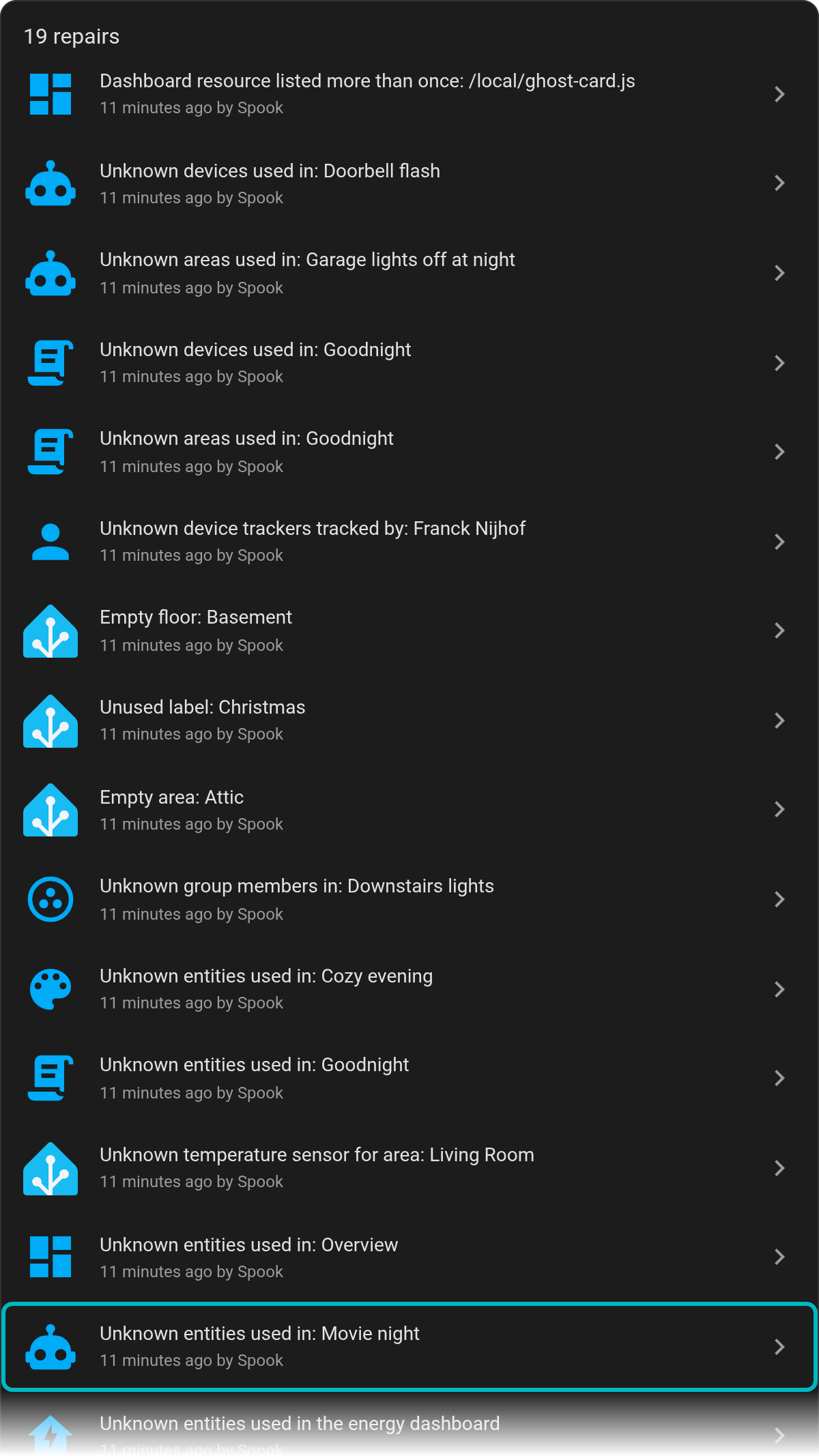
Step 2: Read what Spook found
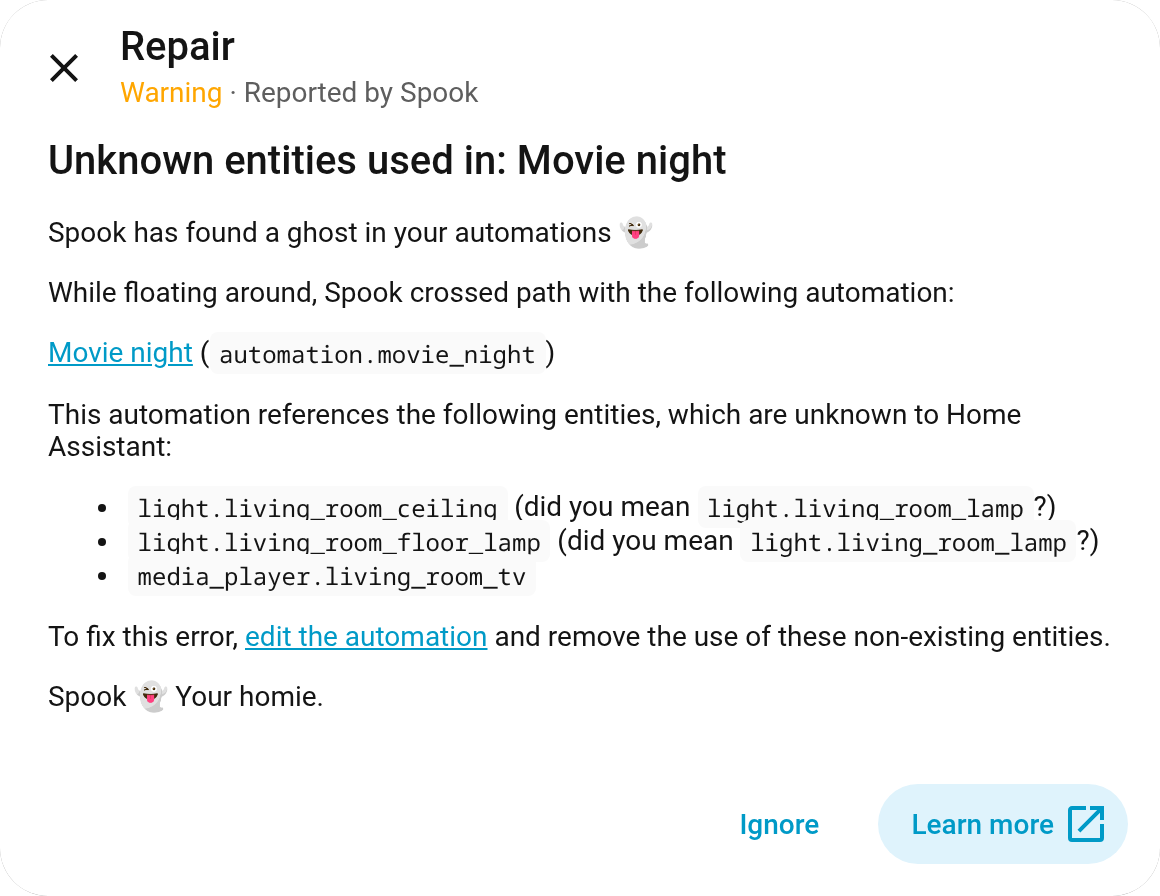
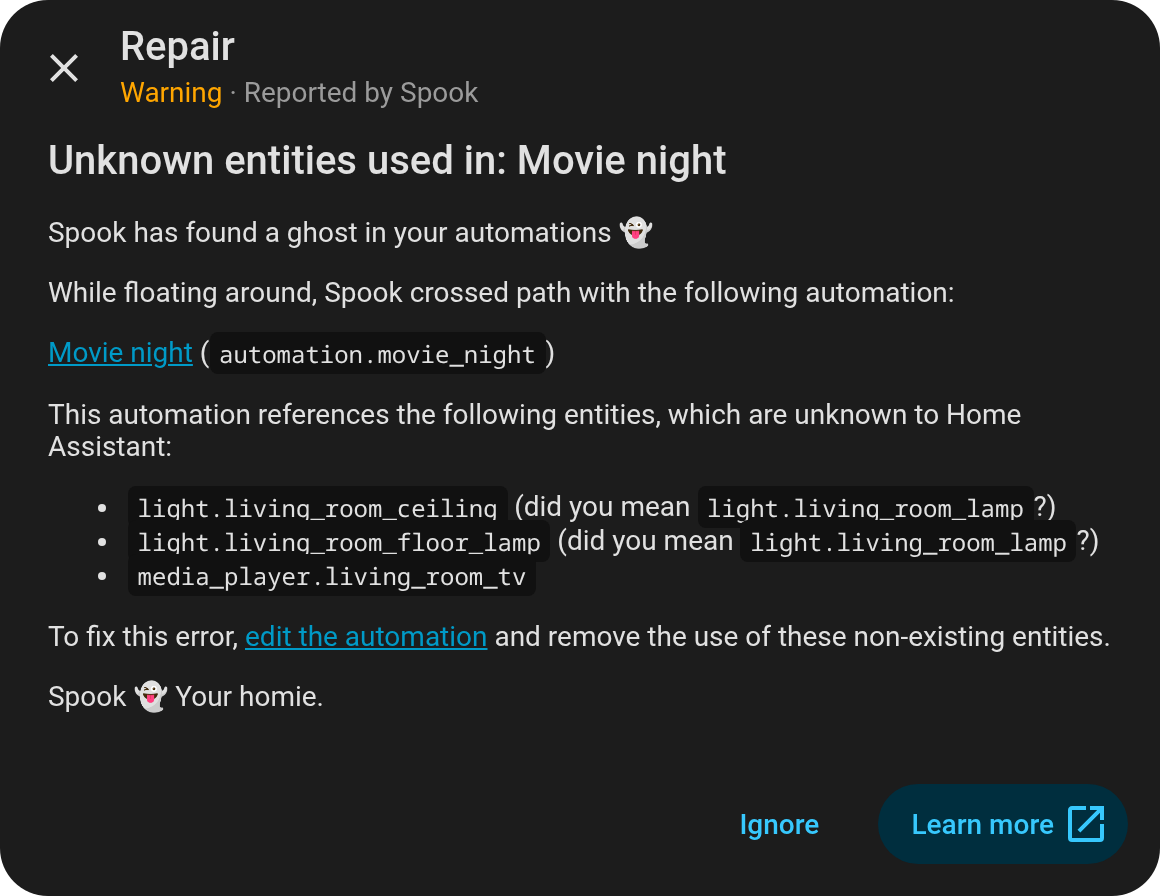
The repair tells you two things:
- Which automation has the problem. Its name is a link.
- Which entities are missing, as a list of entity IDs like
light.living_room_lamp. An entity ID is the unique name Home Assistant uses for an entity behind the scenes.
Take a moment to recognize the names. Usually it is something you renamed or replaced, and you know right away what it should be now.
Step 3: Fix the automation
- In the repair, select the name of the automation. It opens in the automation editor.
- Look through the triggers, conditions and actions for the missing entity. The repair lists its entity ID, so you know what to look for.
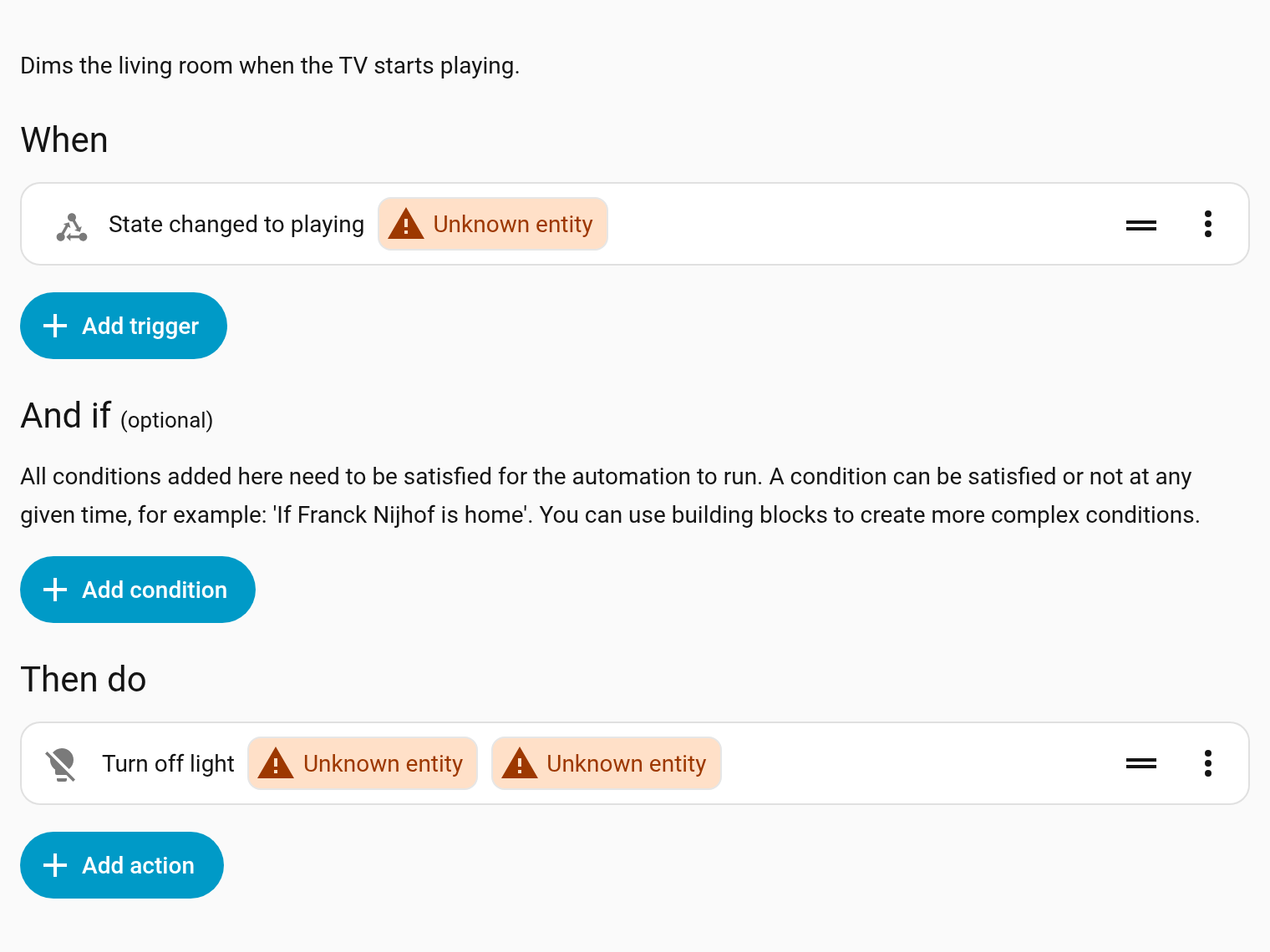
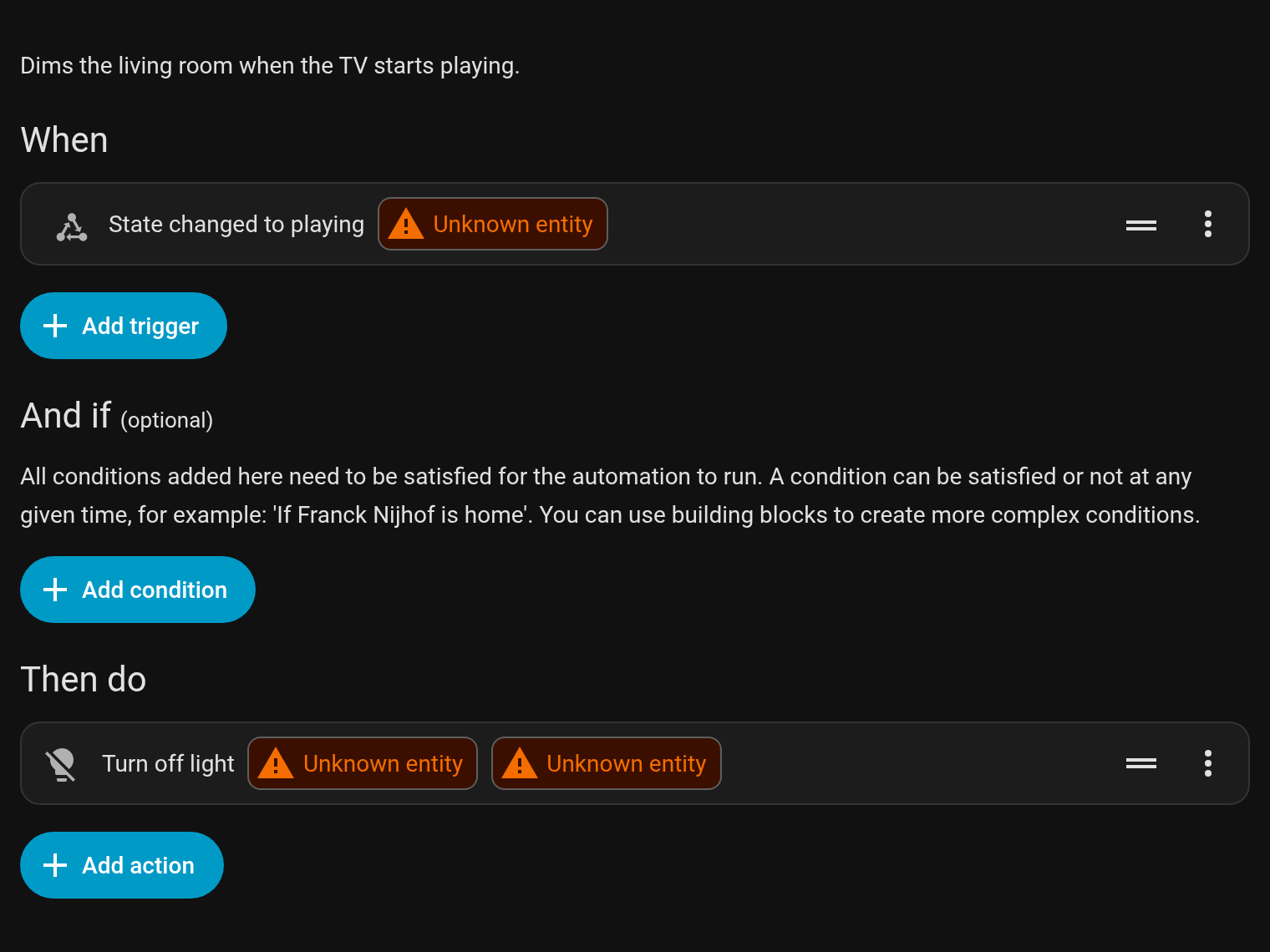
- Do one of two things:
- It was renamed or replaced: select the entity, and pick the right one from the list.
- It is gone for good: remove the step that uses it.
- Select Save.
Step 4: Watch the repair disappear
Go back to Settings > Repairs. The issue is gone.
You don't have to mark anything as done. Spook looks at the automation again the moment you save it, and takes the repair away by itself once nothing is missing.
Still there? Then the automation uses the missing entity in more than one place. Open the repair again: the list now shows what is left.

Did Spook just save you an evening?
A star on GitHub tells others it is worth a look. It costs nothing, and it makes a ghost's day.
When Spook is wrong, or you want to keep it this way
Sometimes a missing entity is fine. A device that is only plugged in around the holidays, for example.
- Ignore the repair. Open it and select Ignore. Spook remembers, and won't raise it again for the same findings.
- Turn the automation off. Spook leaves automations alone that are turned off, and looks again when you turn one back on.
Think Spook got it wrong? Let us know. A repair that cries wolf is a bug.
What's next?
Other repairs follow the same four steps: open it, read it, fix it where it points, and it disappears by itself. The page of each integration explains every repair Spook can raise for it, such as all repairs for automations.