When something is off
Find the heading that sounds like your problem. Each one is a short answer.
No repairs showed up after installing
That can be good news: Spook only reports what it finds, and it may have found nothing.
Give it some time first. After Home Assistant starts, Spook waits until everything is up, and then spreads its first checks over a couple of minutes. A few wait ten minutes.
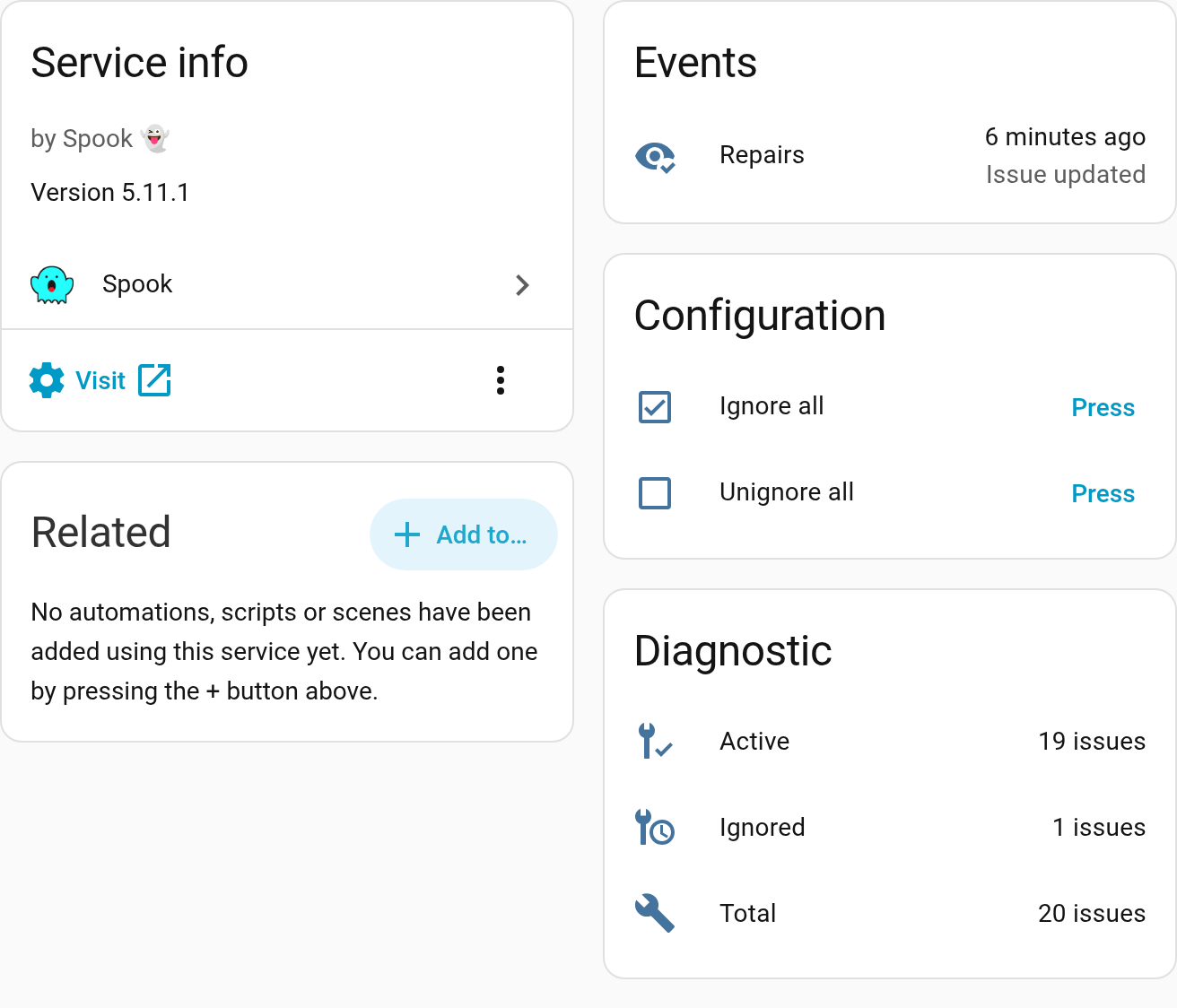
To see that Spook is running:
- Go to Settings > Devices & services.
- Select Spook.
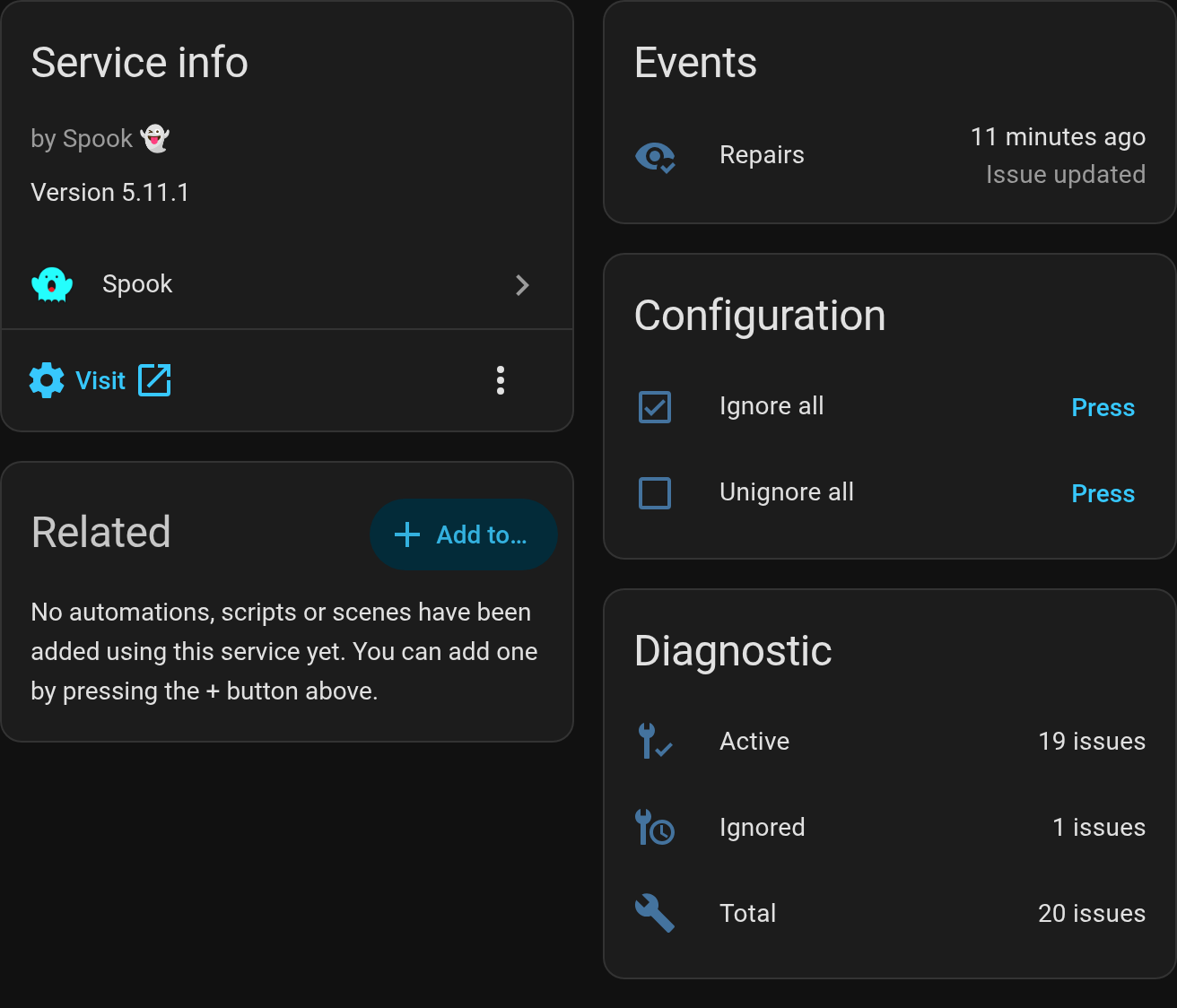
- Select the Repairs device. Its sensors count the issues in your repairs dashboard, ignored ones included.
Spook missing from Devices & services? Then it is installed but not set up. Activate the integration.
A repair is wrong
It happens, and it is a bug.
- Make it go away: open the repair and select Ignore. Spook remembers that for those exact findings.
- Tell us: report it, with the text of the repair and the part of the automation, script or dashboard it complains about.
Not sure if it is wrong? Fix your first repair explains how to read one.
A repair came back after I ignored it
Spook keeps your choice per finding. When the same automation later uses another thing that does not exist, the list in the repair got longer. That is news, so the repair comes back. Fix or ignore it again, and Spook remembers the new list too.
Two other ways it comes back:
- Someone selected Unignore all on the Repairs device, or an automation ran the Repairs: Unignore all issues 👻 action.
- You run an old version of Spook. Older versions lost ignored repairs on a reload. Update Spook.
Neither of those? Then report it.
An action is not in the list
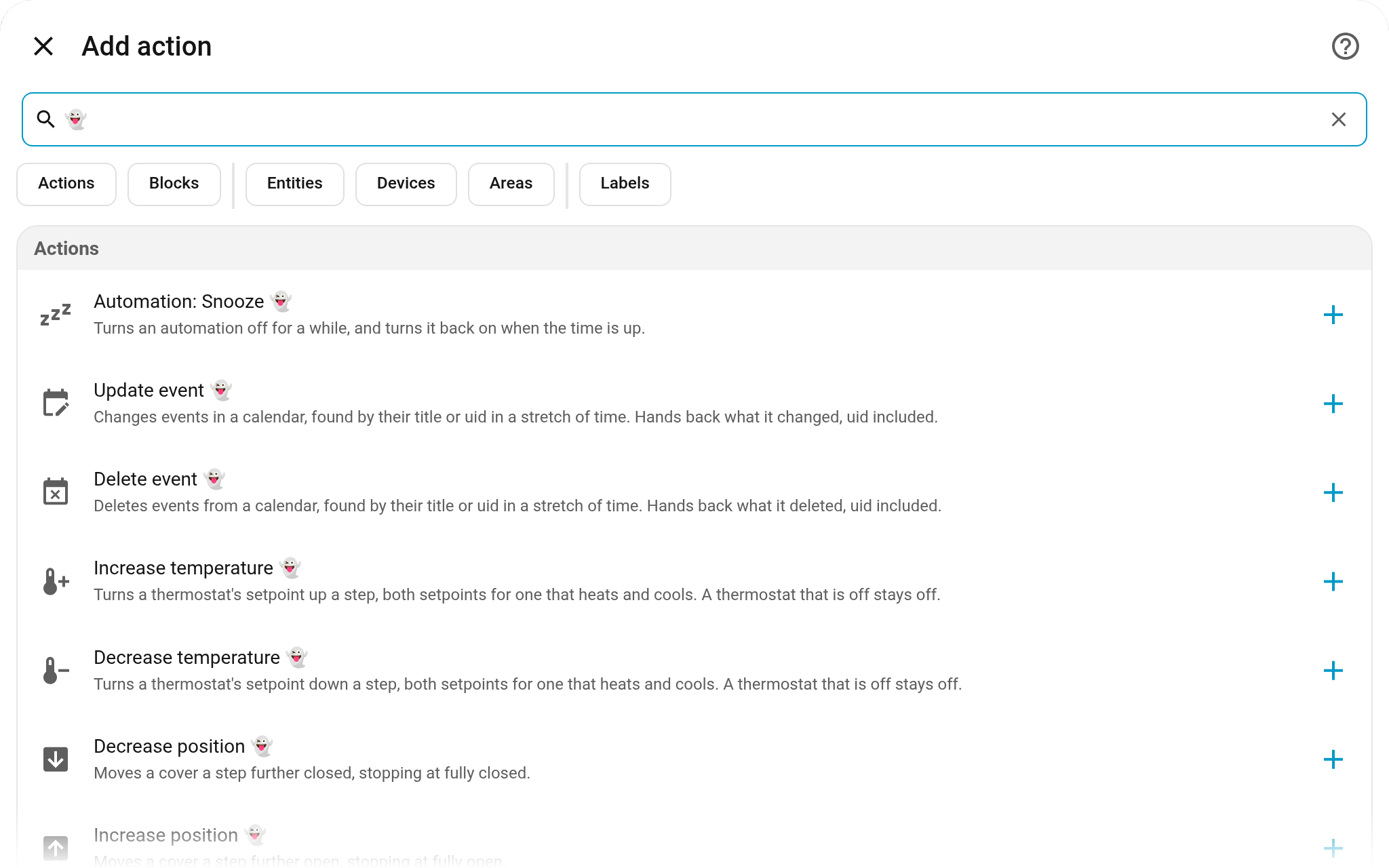
- In the action picker, search for 👻. Every action Spook adds carries one.
- Check that the integration the action belongs to is set up. The actions for covers are only there when your Home Assistant has covers, for example. They appear the moment that integration is set up.
- Installed through HACS and did not restart yet? Restart Home Assistant, then activate Spook.
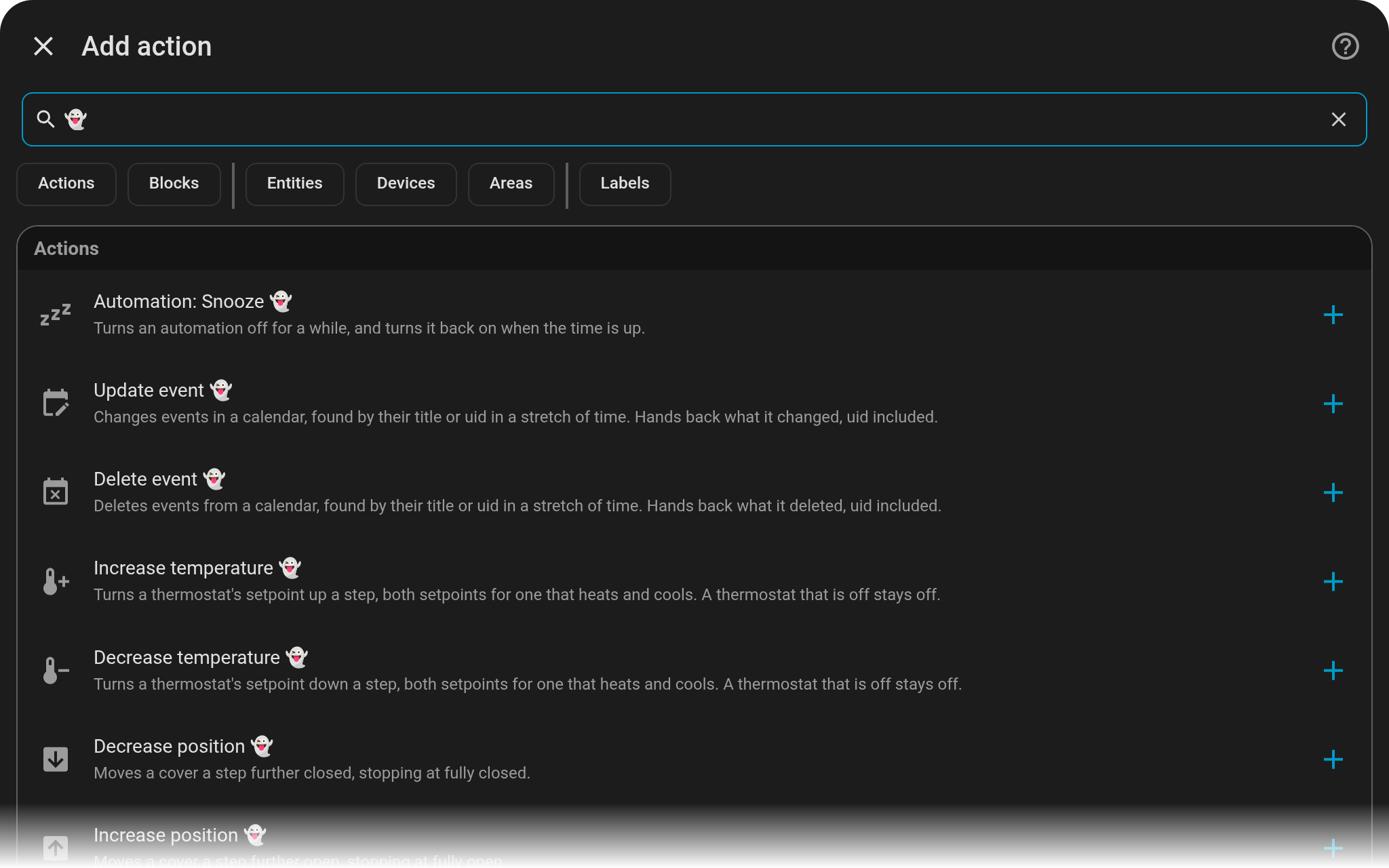
Still missing? Look it up in the actions list. An action that is not on that page does not exist, or moved into Home Assistant.
Searching for 👻 finds no trigger or condition
Correct, they don't carry one. Only actions and helpers do.
Search for the trigger or condition by its name. The names are on the triggers and conditions pages.
Spook stopped working after a Home Assistant update
That can happen. Spook uses parts of Home Assistant that are not meant for outsiders, and those change.
Update Spook, and check the issue tracker if there is no update. The steps are in Updating Spook.
Often only one part of Spook is affected. A check that fails to start is skipped, the rest carries on, and the logs name the one that failed.
Home Assistant feels slow since Spook
Spook does work: it reads your automations, scripts and dashboards. The heavier checks wait until Home Assistant has started, and run again when something changes.
To find out if it is Spook:
- Go to Settings > Devices & services > Spook.
- Open the menu of the integration entry, and disable it. The integration entry is the row called Your homie on that page.
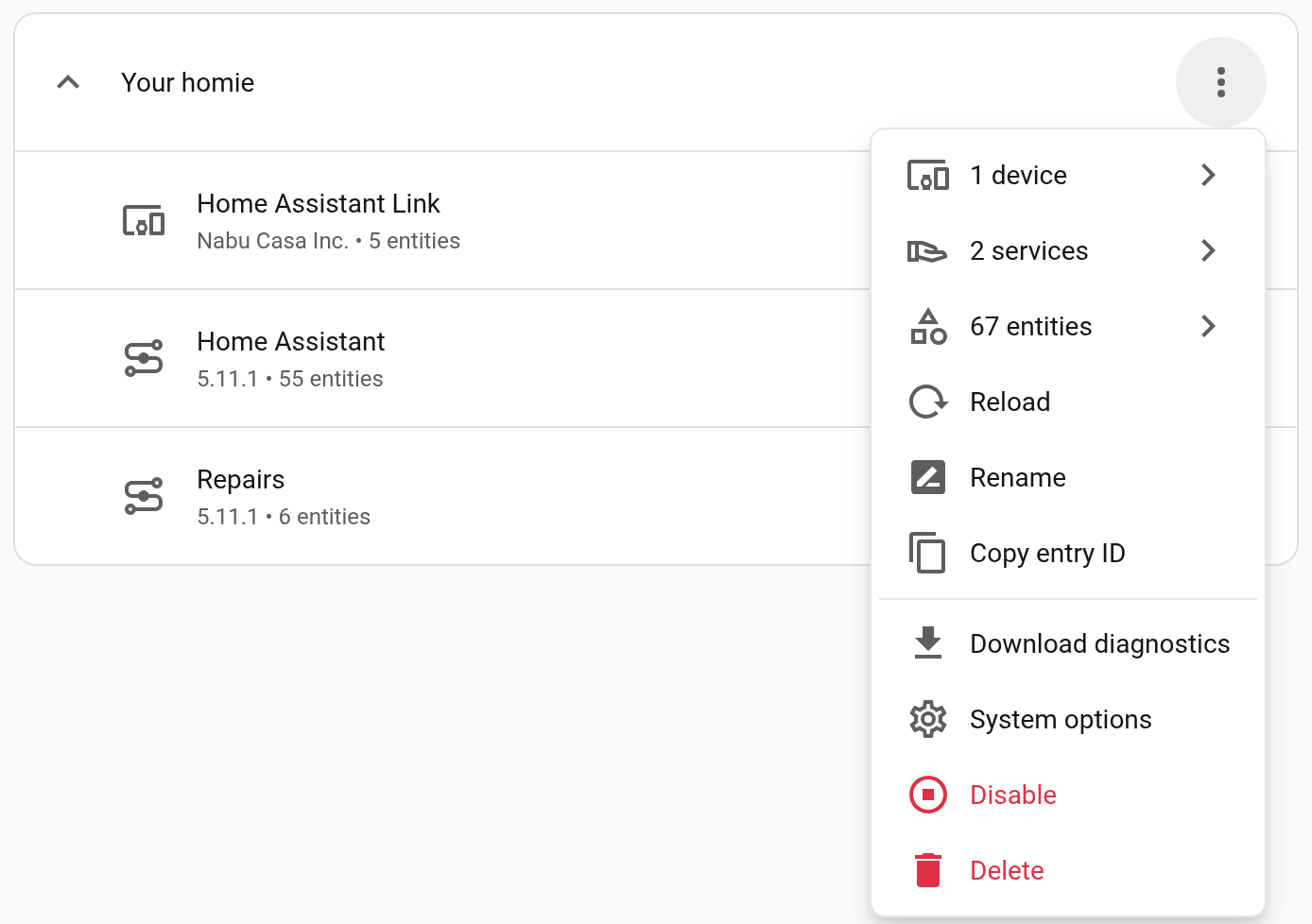
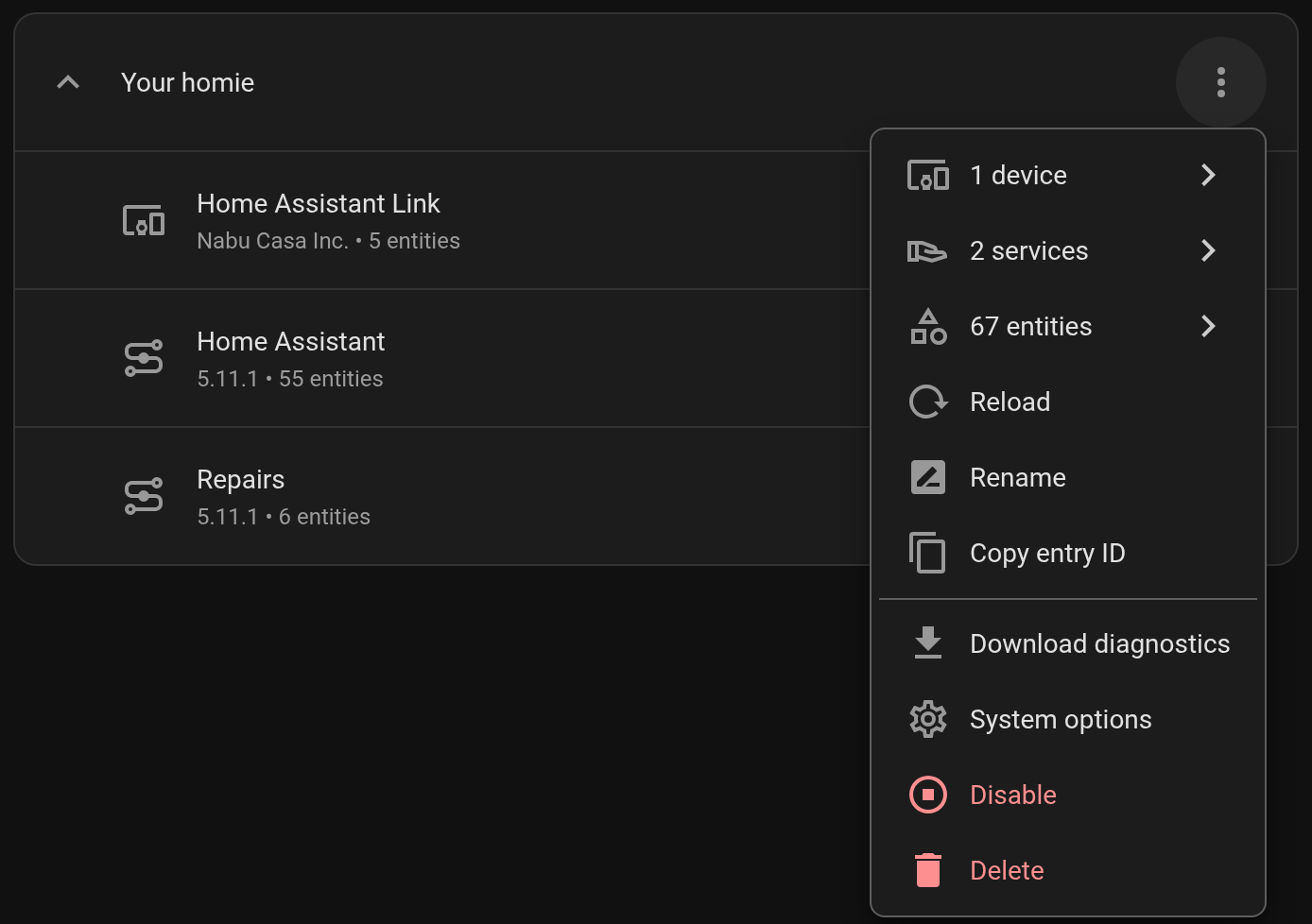
- Use Home Assistant for a while. Then enable it again the same way.
Faster without Spook? That is a bug, and we want to hear about it. Report it, with the logs from below.
Getting the logs
A bug report without logs is a guessing game.
The logs. Go to Settings > System > Logs, and search for spook.
Debug logging, for when the normal logs say nothing:
- Go to Settings > Devices & services > Spook.
- Turn on debug logging from the menu on that page.
- Do the thing that goes wrong.
- Turn debug logging off again. Home Assistant then offers the log as a download.
Prefer YAML? This does the same, after a restart:
logger:
  logs:
    custom_components.spook: debug
Diagnostics. The same page offers a diagnostics download for Spook. It lists the kinds of repairs Spook raised and the state of its helpers, without the names of your entities or automations. Add it to your report.
Still stuck?
The support page tells you where to ask, and where to report a bug.
Updating
How a new version of Spook reaches your Home Assistant, what the version numbers mean, and what to do when a Home Assistant update trips Spook up.
Removing
How to remove (uninstall) Spook from Home Assistant. What to check first, the steps to take, what goes with it, what stays, and what stops working.