The rest of the toolbox 🧰
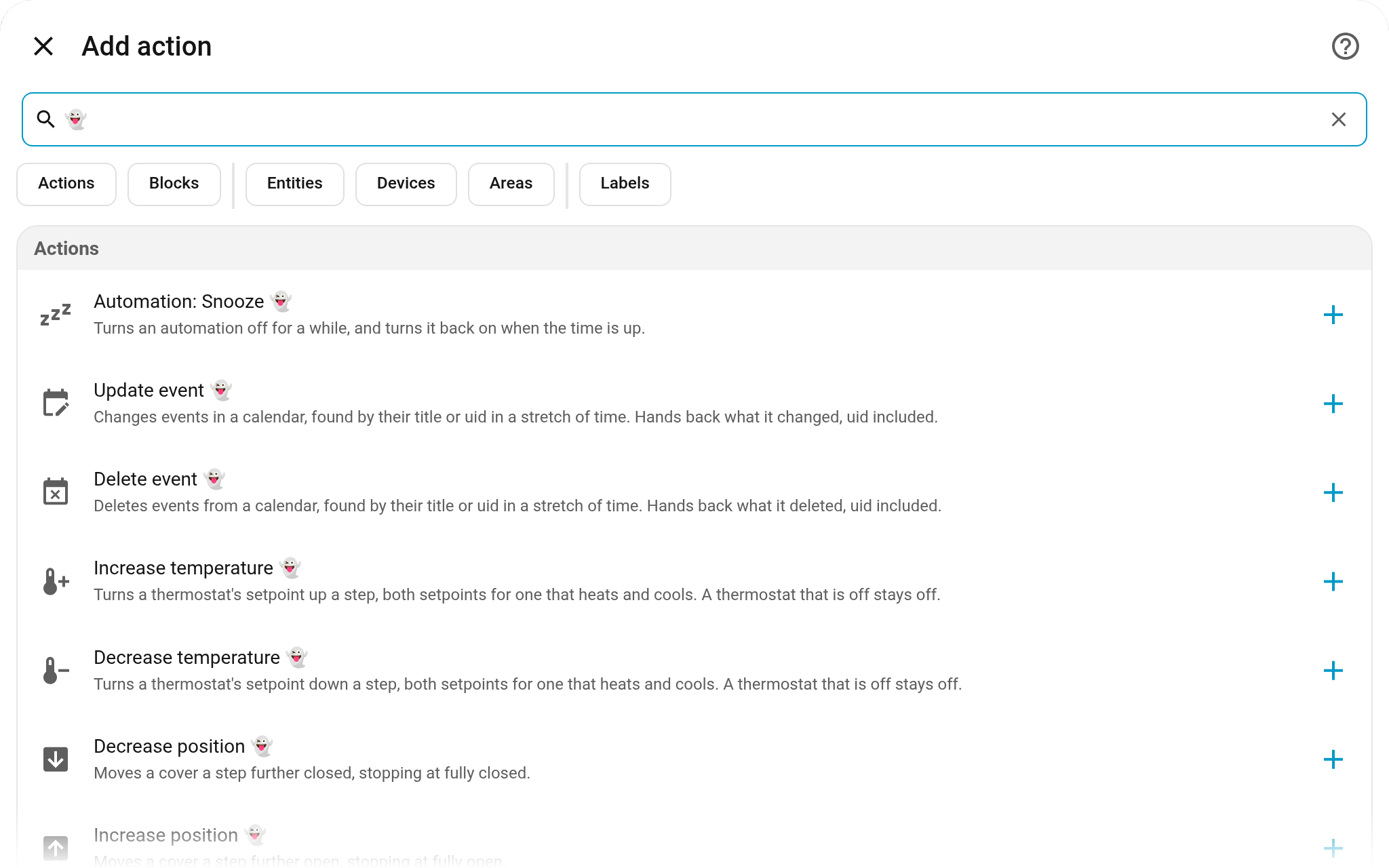
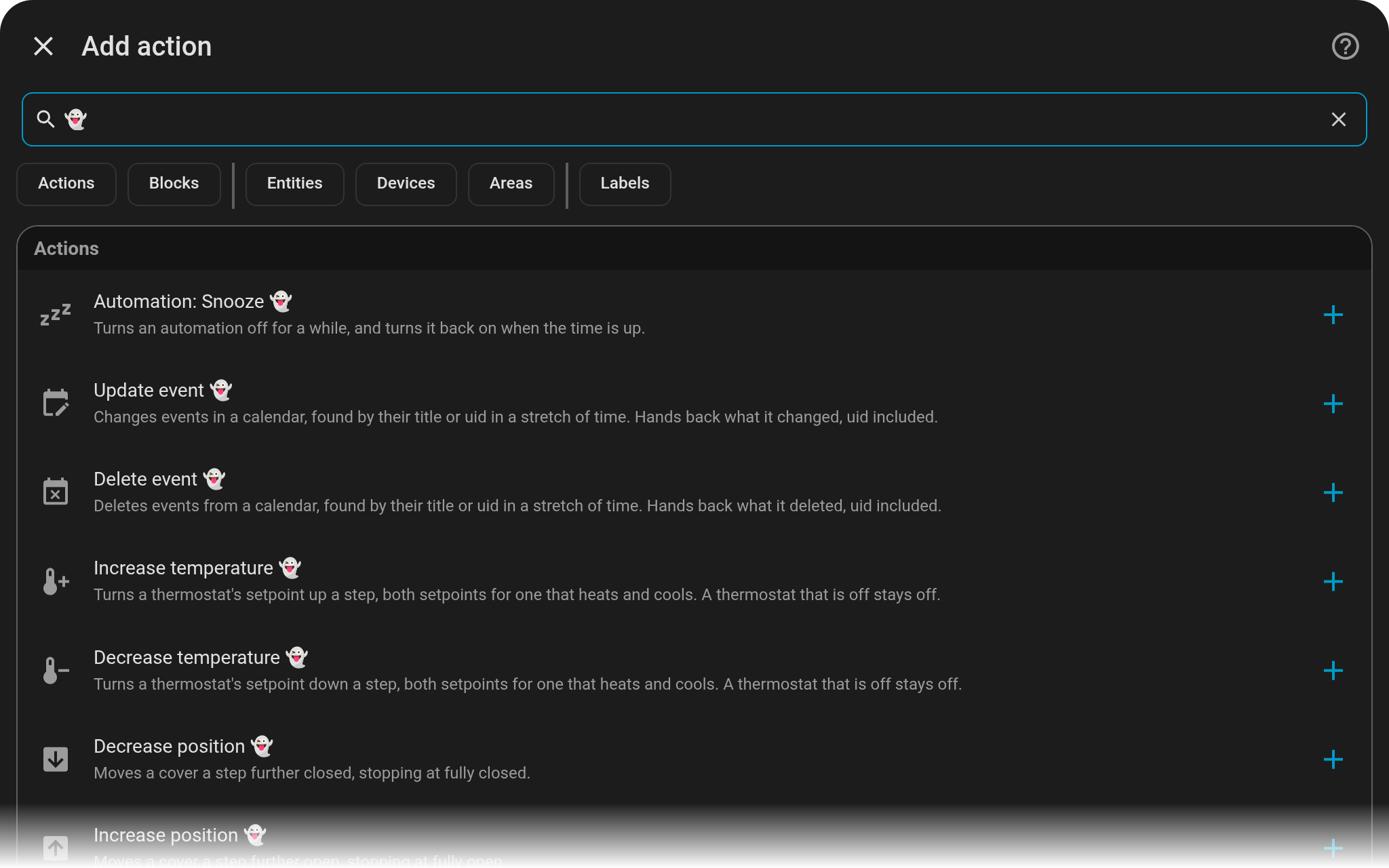
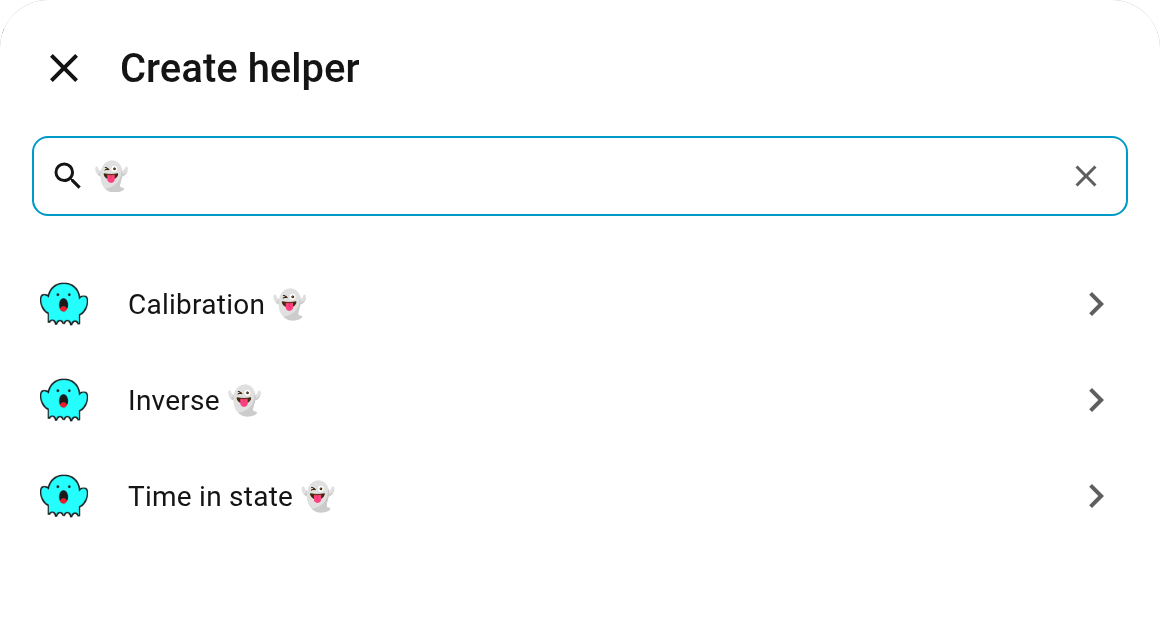
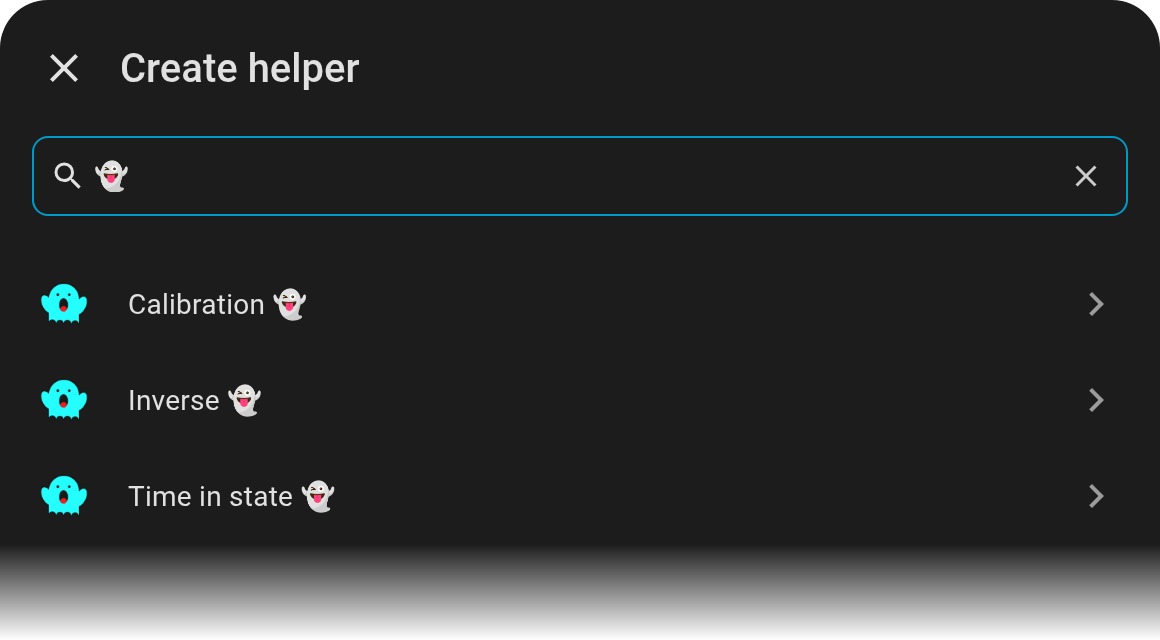
Type 👻. See all of it.
Spook adds 133 actions, three helpers and a sensor for everything in your home. No list to memorize. Search for the ghost when you add an action or a helper, and you get exactly what Spook brings. It works in every language, too.
Your home, counted
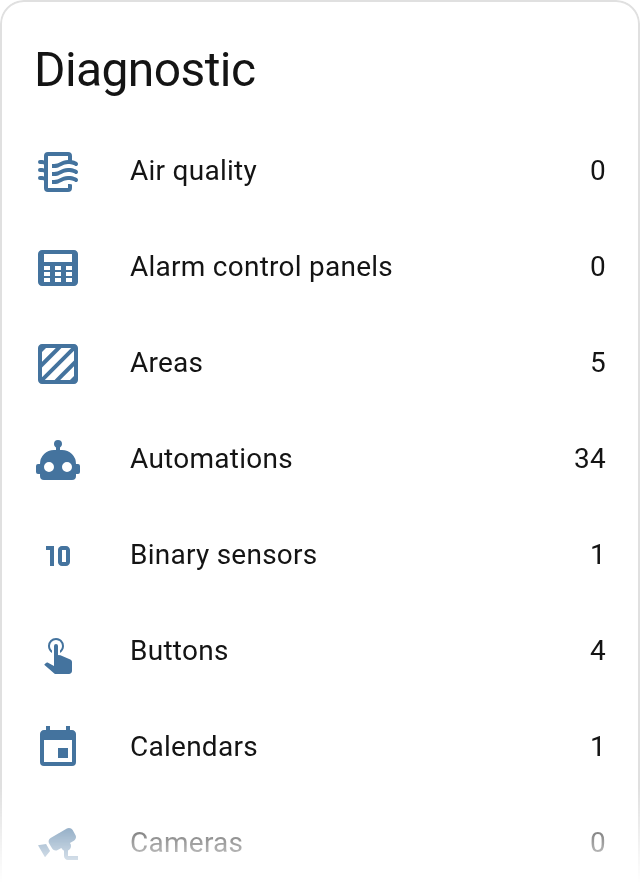
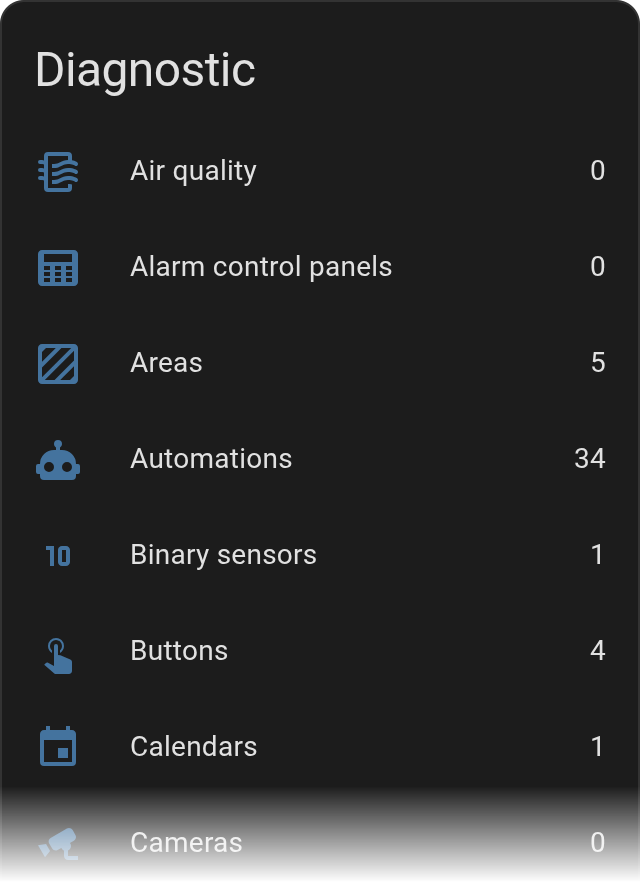
How many automations was it again?
Spook gives Home Assistant itself a device, with a sensor for everything in your home. Areas, automations, devices, entities, integrations, all 53 of them. Put them on a dashboard, use them in an automation, or just watch the numbers grow.
- A number for everythingFrom areas and automations to custom integrations and zones.
- With historyLong-term statistics, like any other sensor. See your home grow, or shrink after a good cleanup.
- Ready for your dashboardRegular sensors, so every card and every automation can use them.
Helpers Home Assistant doesn't have
Flipped, corrected, and timed.
A switch that works the wrong way round, a sensor that reads a degree too high, a door you want to know has been shut all week. Spook's helpers fix that, made in the UI like any other helper.
- InverseOn becomes off, open becomes closed, and actions are flipped too. For the blinds with the motor on the other side.
- CalibrationCorrects a sensor that reads off, with a factor and an offset.
- Time in stateSince when the door is shut. Unlike "last changed", a restart does not start it over.
The tour goes on 🕯️
Seen this part? There is more.
Finds the ghosts 👻
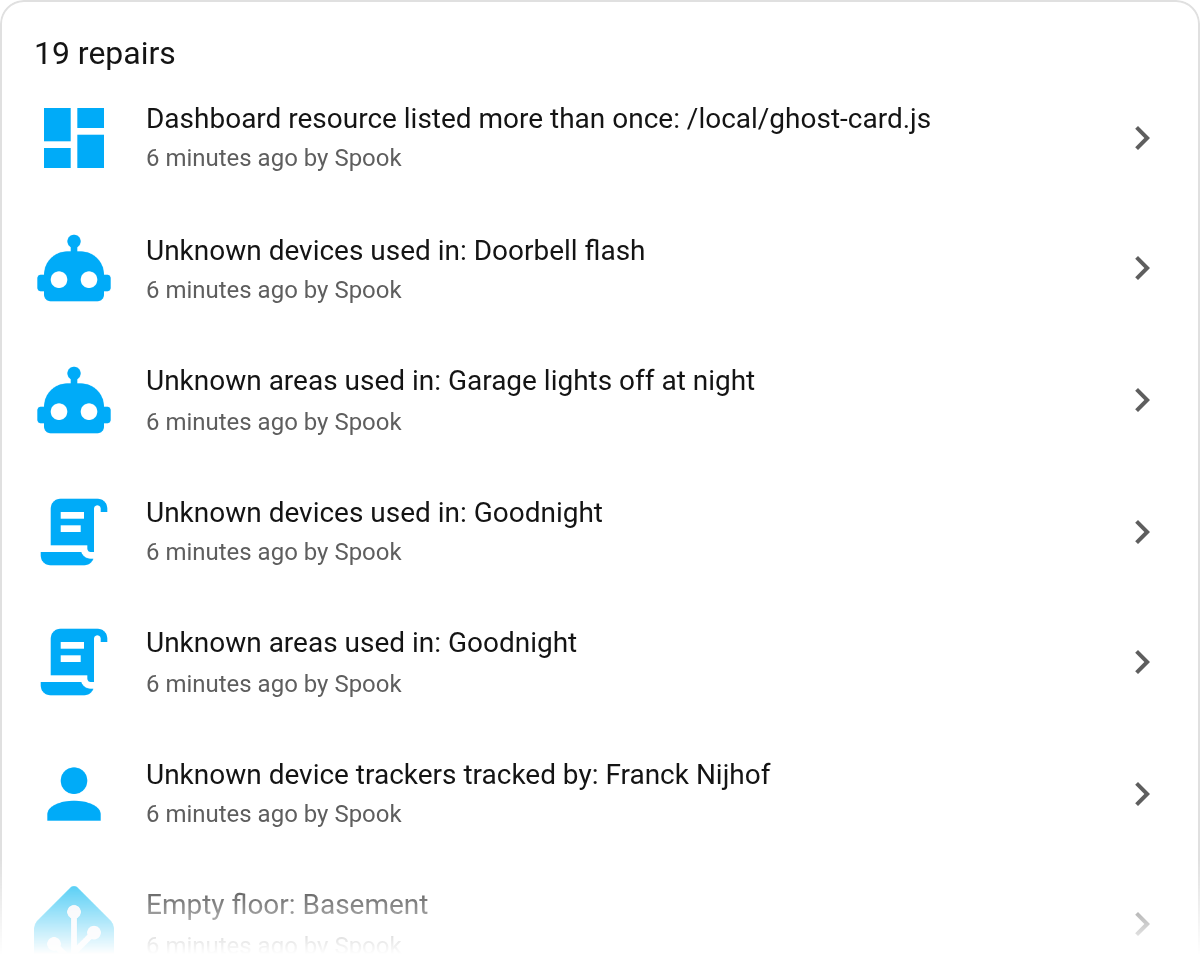
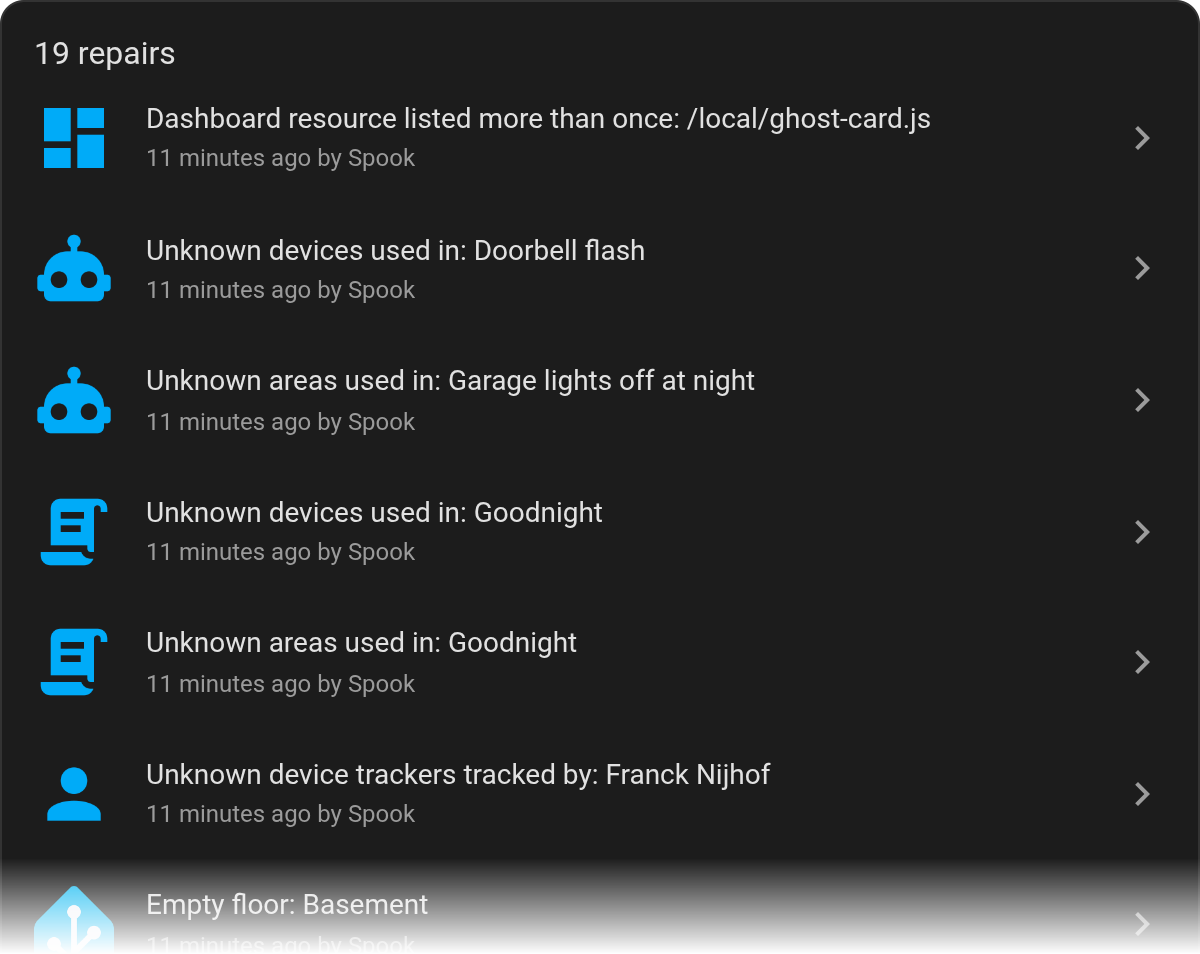
It finds what quietly broke.
Spook checks your Home Assistant for things that stopped working without telling you, and reports them on your repairs dashboard. Many come with a fix.
Take this part of the tour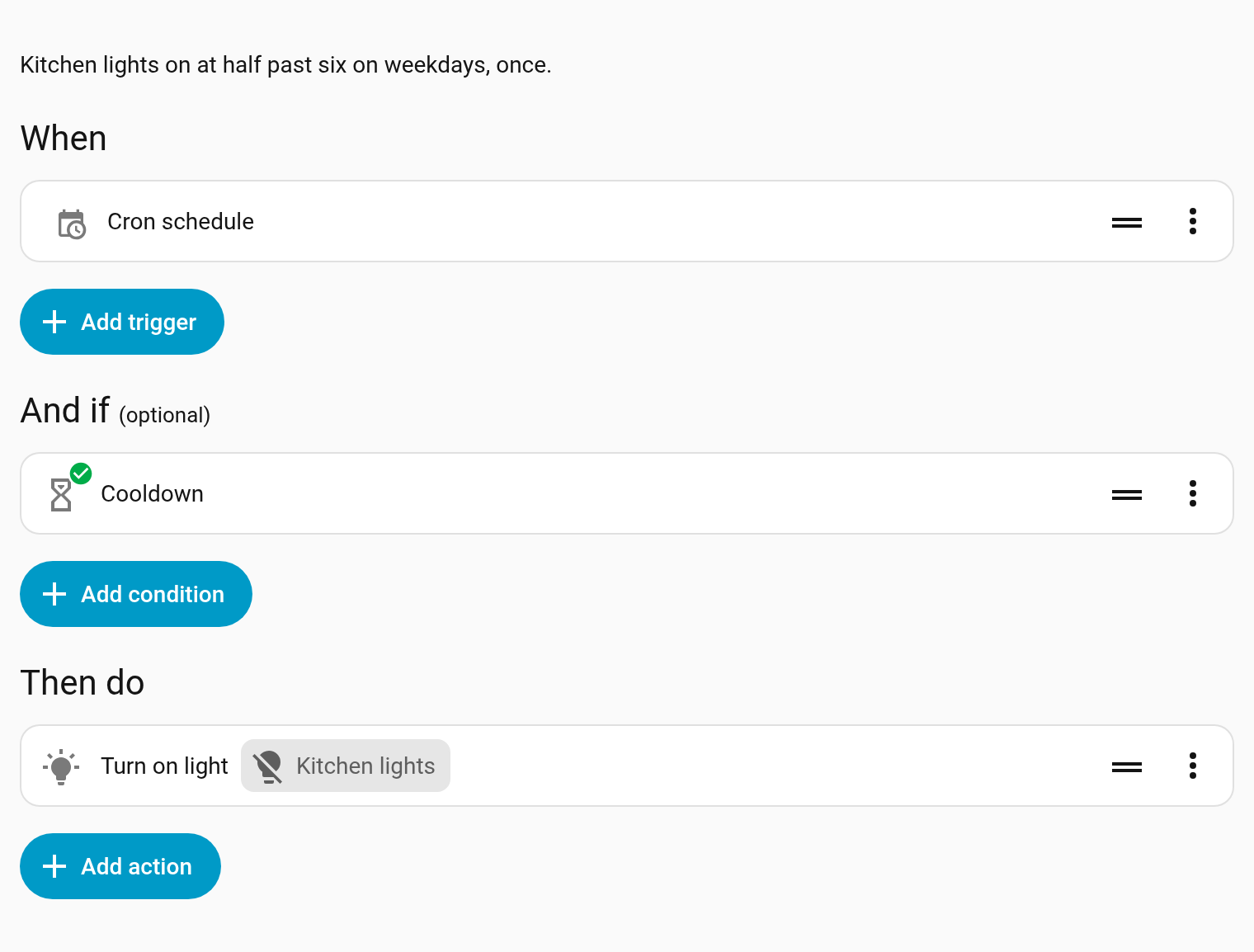
Triggers, conditions and actions 🧰
Automations, without the workarounds.
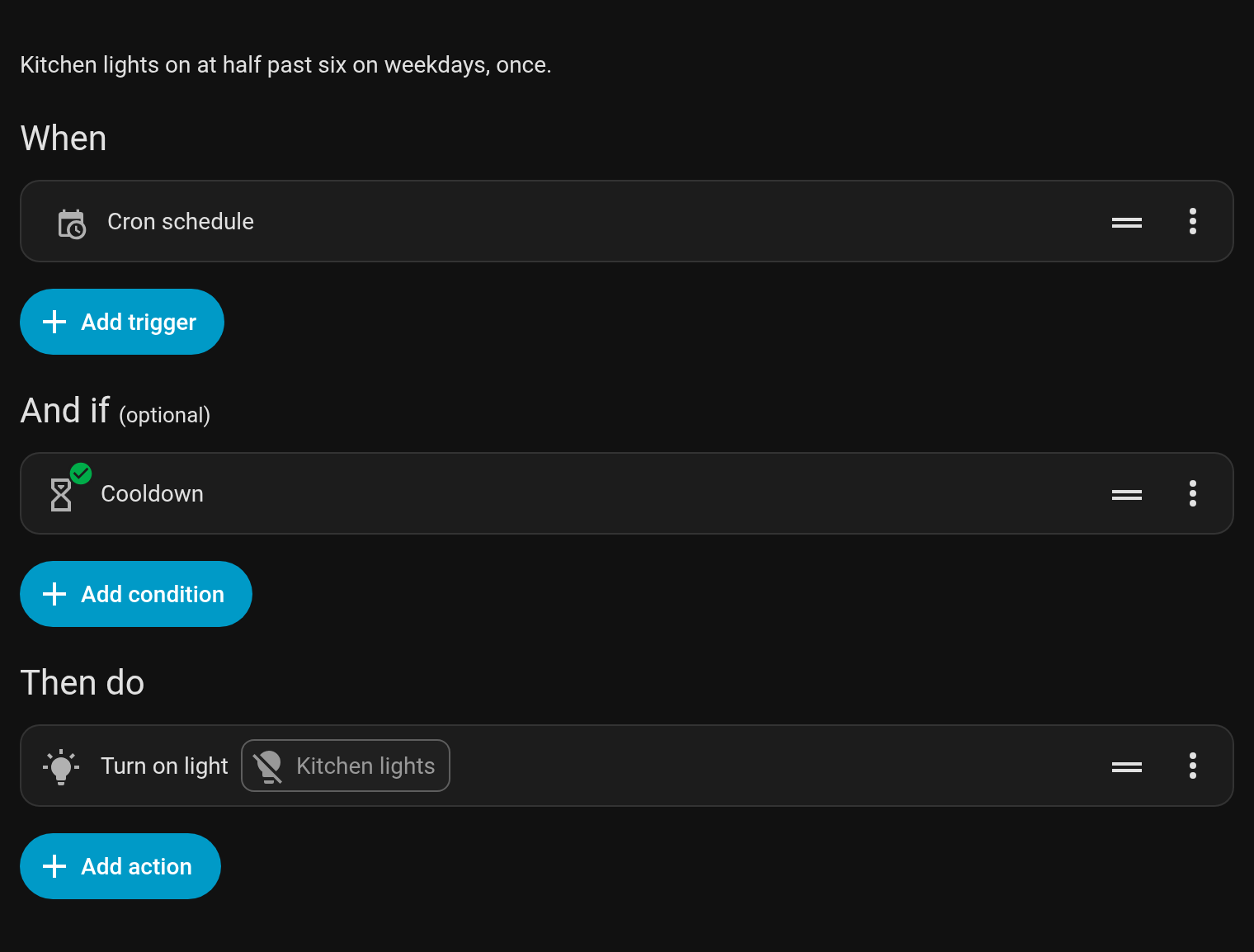
Spook adds triggers, conditions and actions to the automation editor of Home Assistant, for the things you kept building helpers for.
Take this part of the tour Is it safe?What does it cost?Can I get rid of it again?
Straight answers 🙋
Not sold yet? Fair.
What it is, what can break, and what happens when you remove it. No marketing.
Read the straight answersDig into the toolbox
Ready for the “Booo!”
Free and MIT licensed. Install it from the Marketplace in your Home Assistant.