Triggers, conditions and actions 🧰
Automations, without the workarounds.
Spook adds 23 triggers, 9 conditions and 133 actions for the things you kept building helpers for. They live in the automation editor, right next to the ones Home Assistant ships.
Say when, the way you mean it
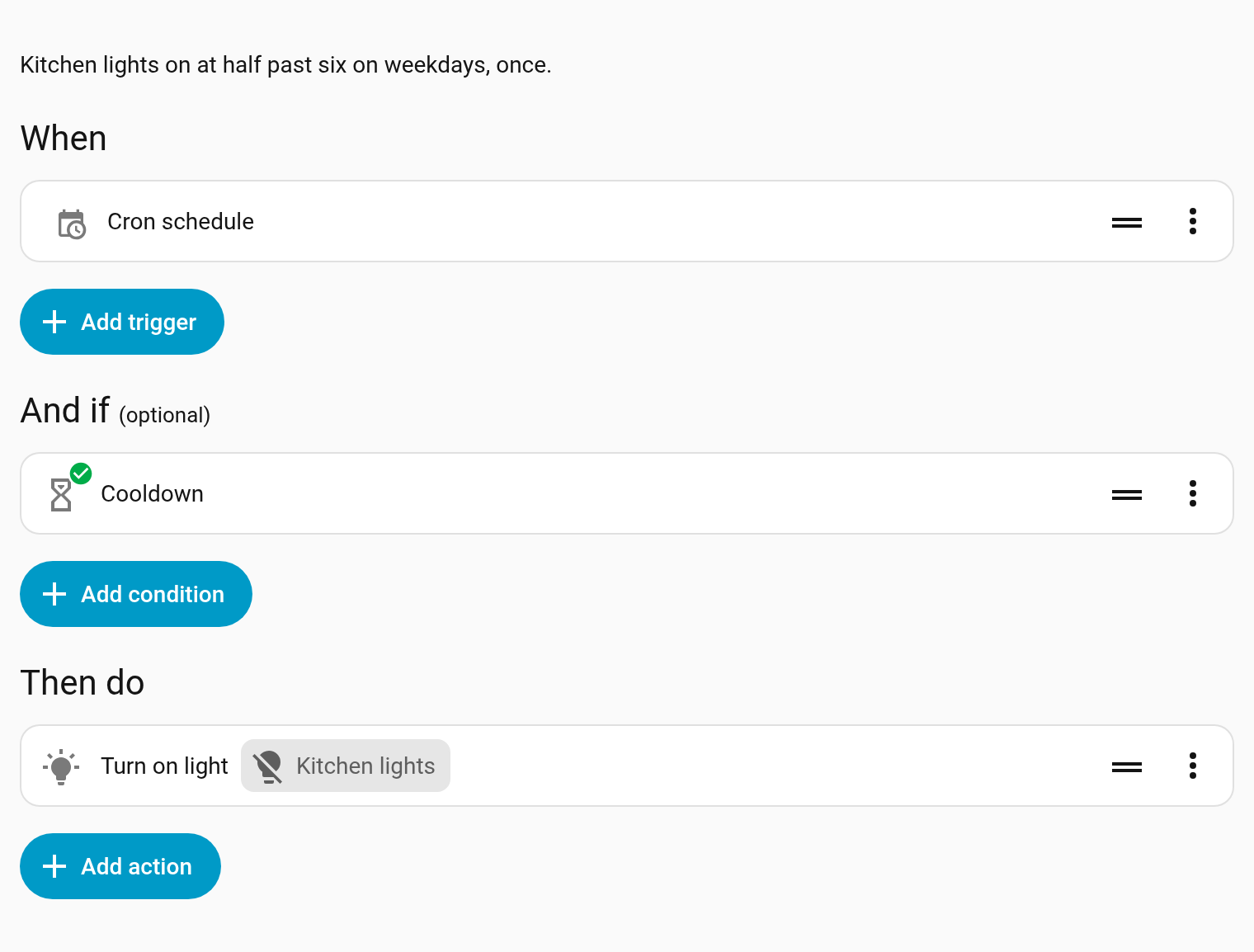
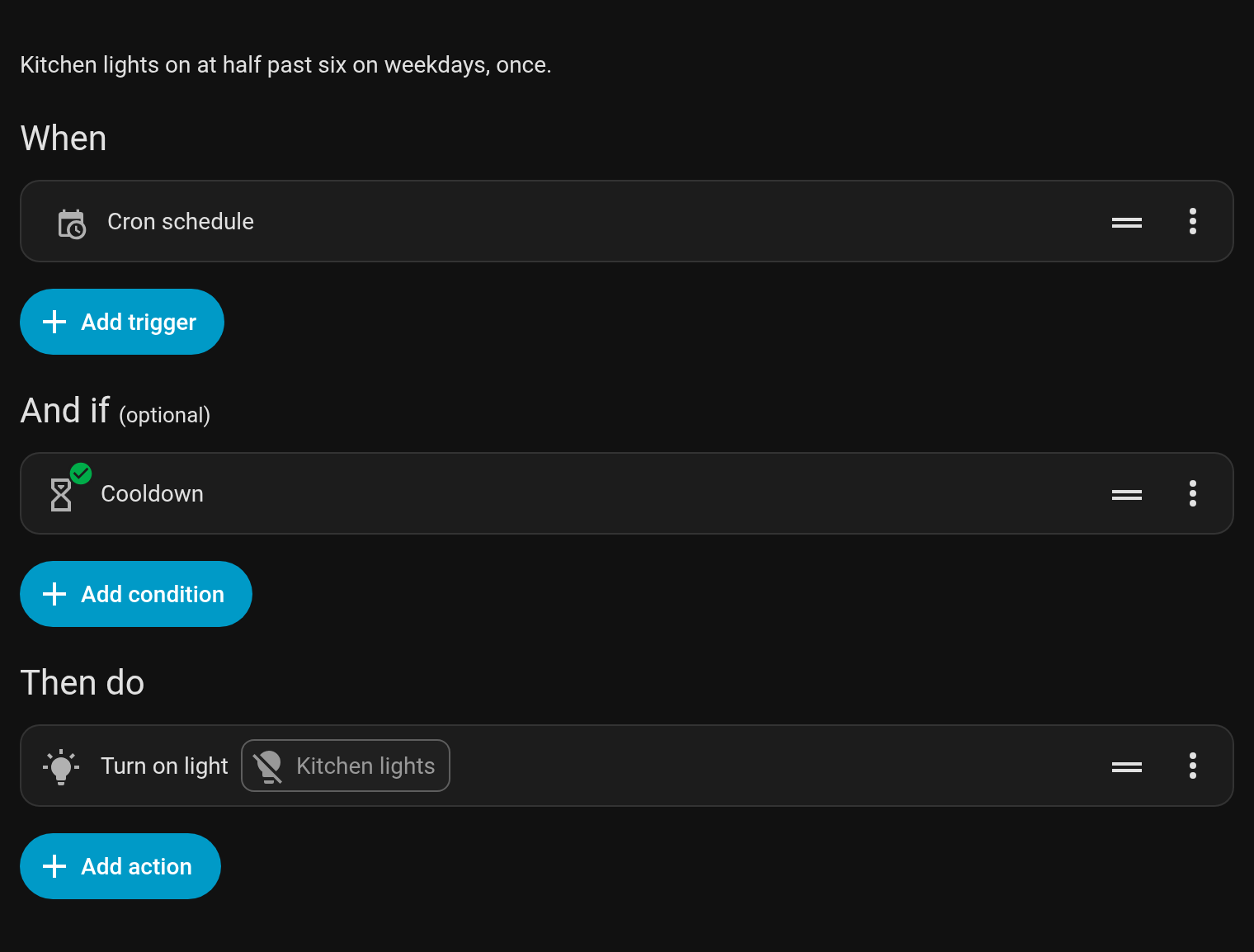
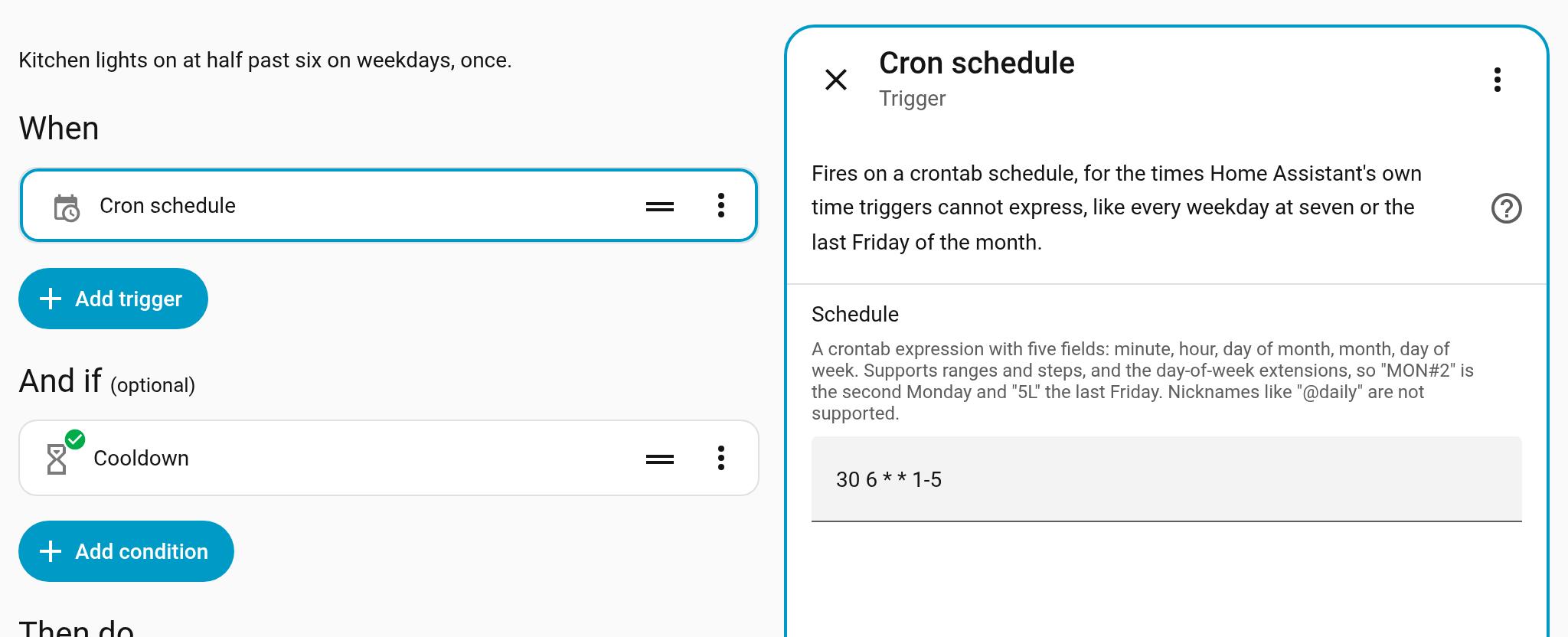
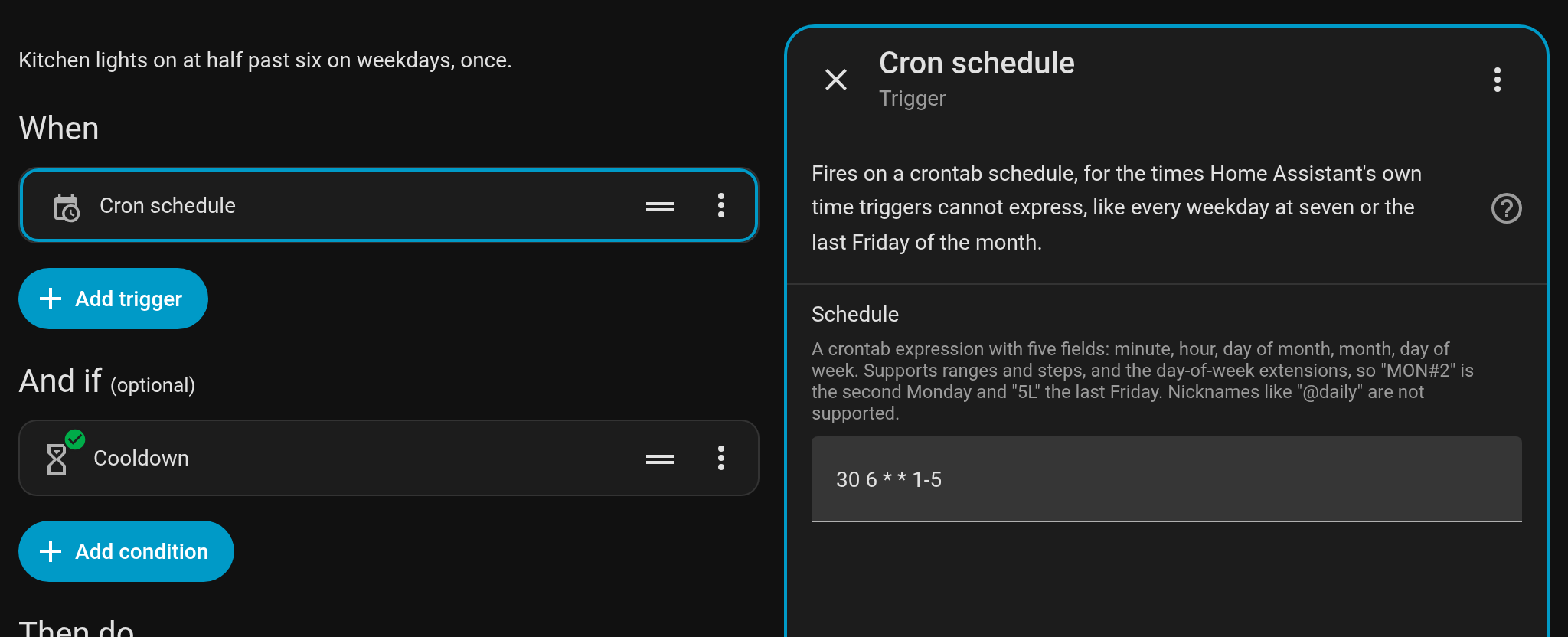
Every weekday at half past six.
Home Assistant's time triggers cover a time of day and a pattern. Spook's cron schedule says "weekdays at half past six" or "the last Friday of the month" in one line, with the explanation right there in the editor.
- For the moments Home Assistant cannot nameA device that just showed up, an automation switched off, an entity that fell silent.
- Conditions with memoryA cooldown since the last run, or only when a person started it, not an automation.
- Nothing new to learnPicked, filled in and saved like any other. In the editor, in scripts, in YAML.
Actions you kept reaching for
Snooze it, don't switch it off.
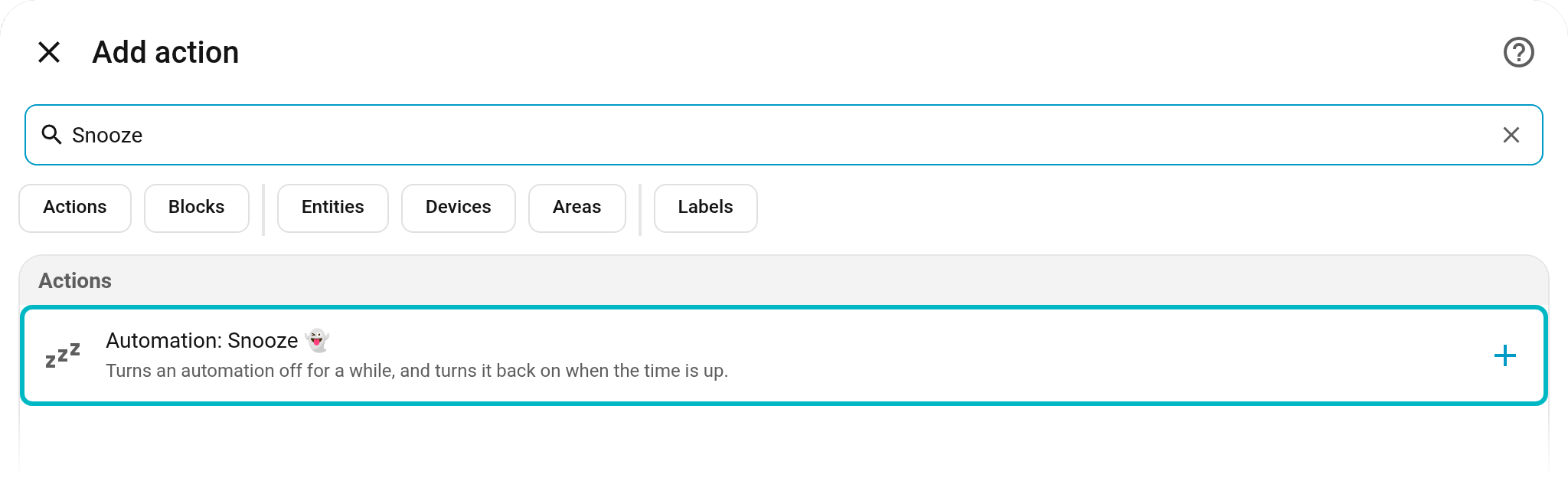
Turn an automation off for an hour, and it comes back by itself, even after a restart. One of 133 actions, from snoozing automations to creating areas, labels and helpers from an automation.
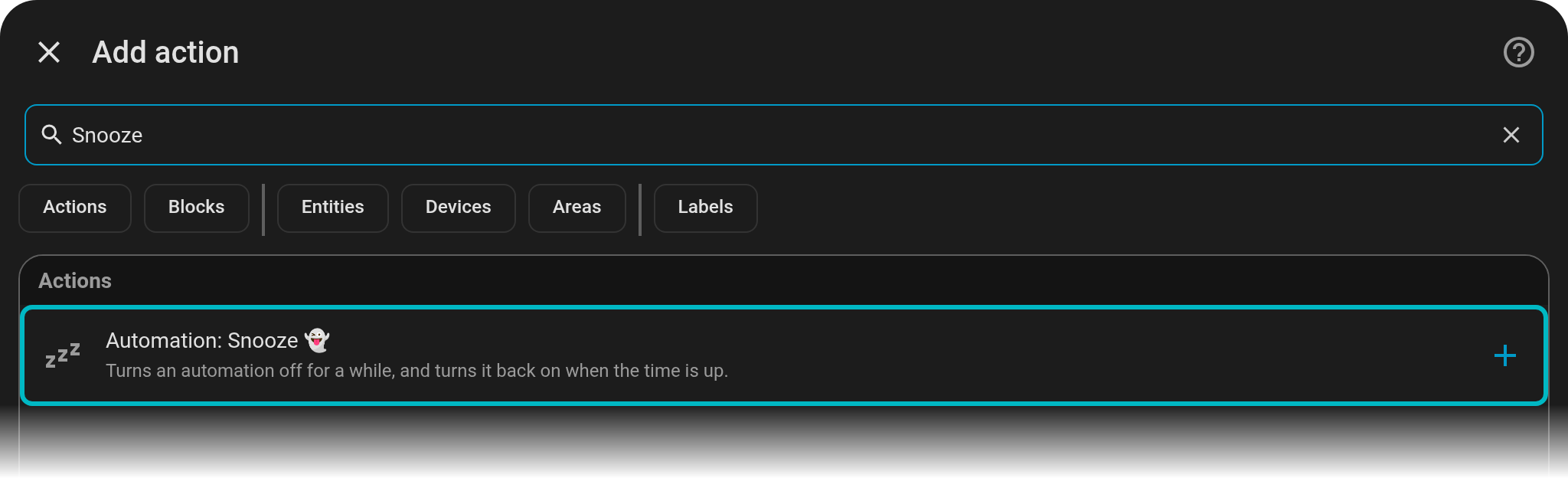
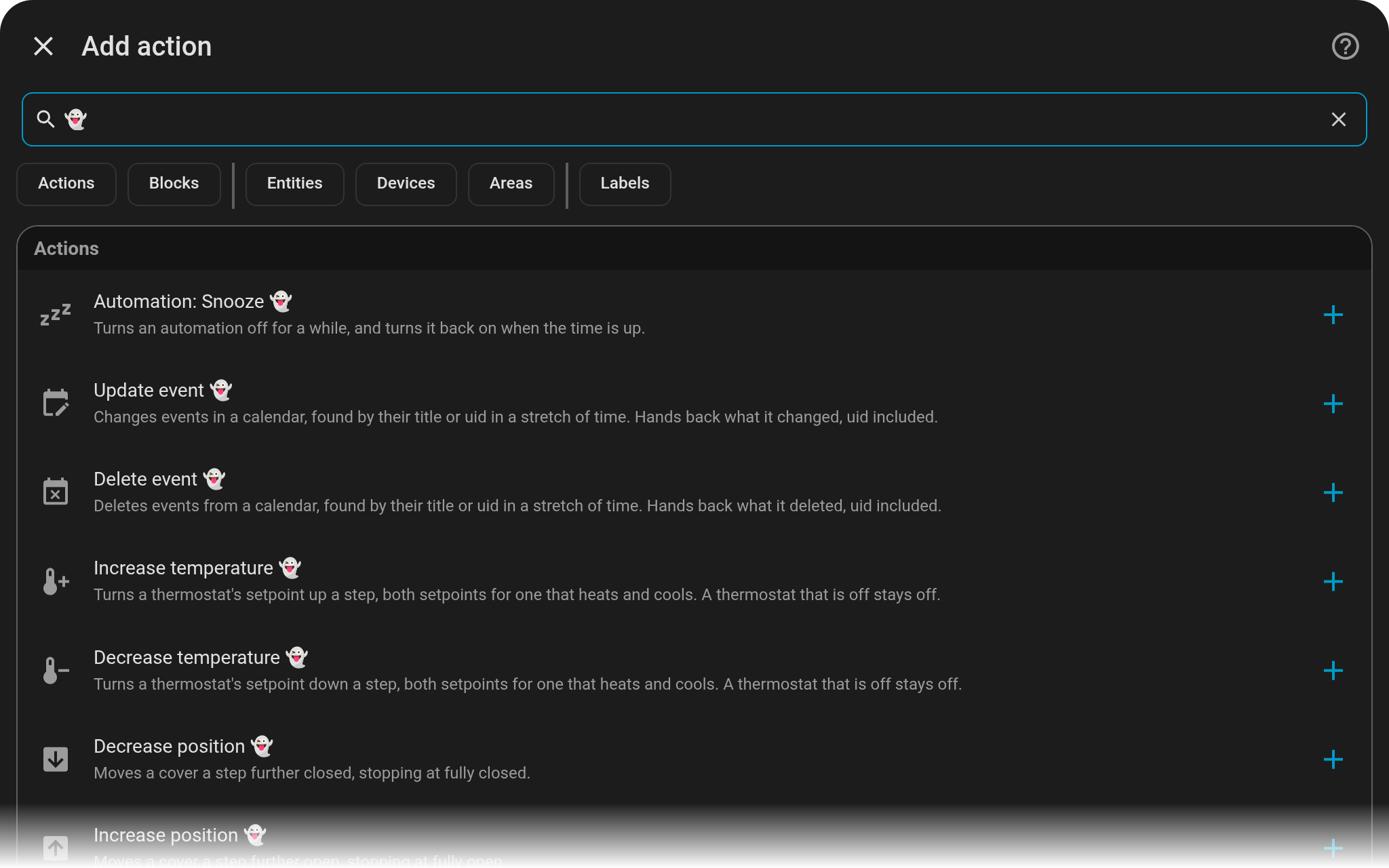
- Search, select, doneSpook's actions show up when you add an action, each marked with a 👻.
- Survives a restartSnoozed is snoozed. Home Assistant restarting in between does not wake it early.
- Manage your home from an automationCreate and remove areas, labels, zones and helpers, or disable a device.
The tour goes on 🕯️
Seen this part? There is more.
Finds the ghosts 👻
It finds what quietly broke.
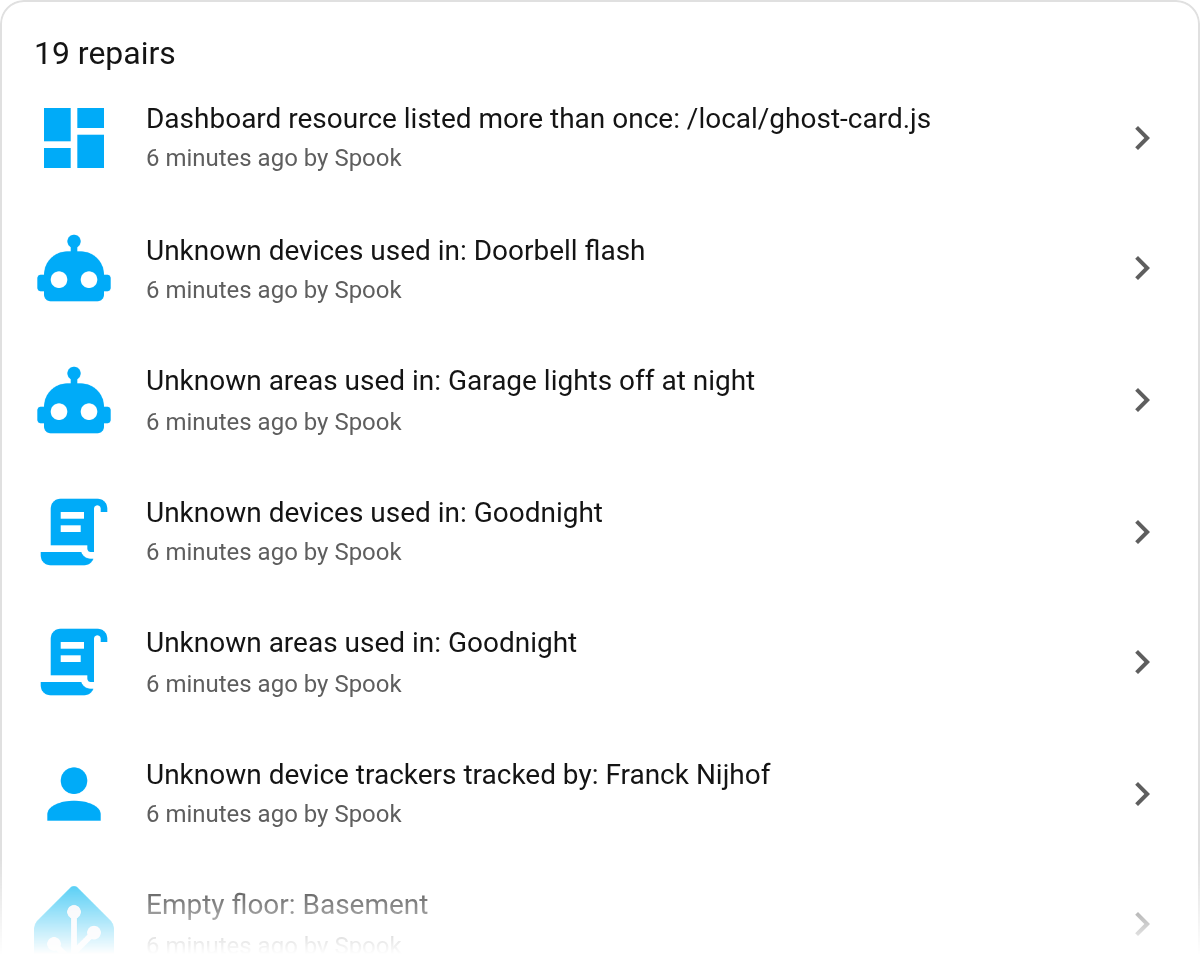
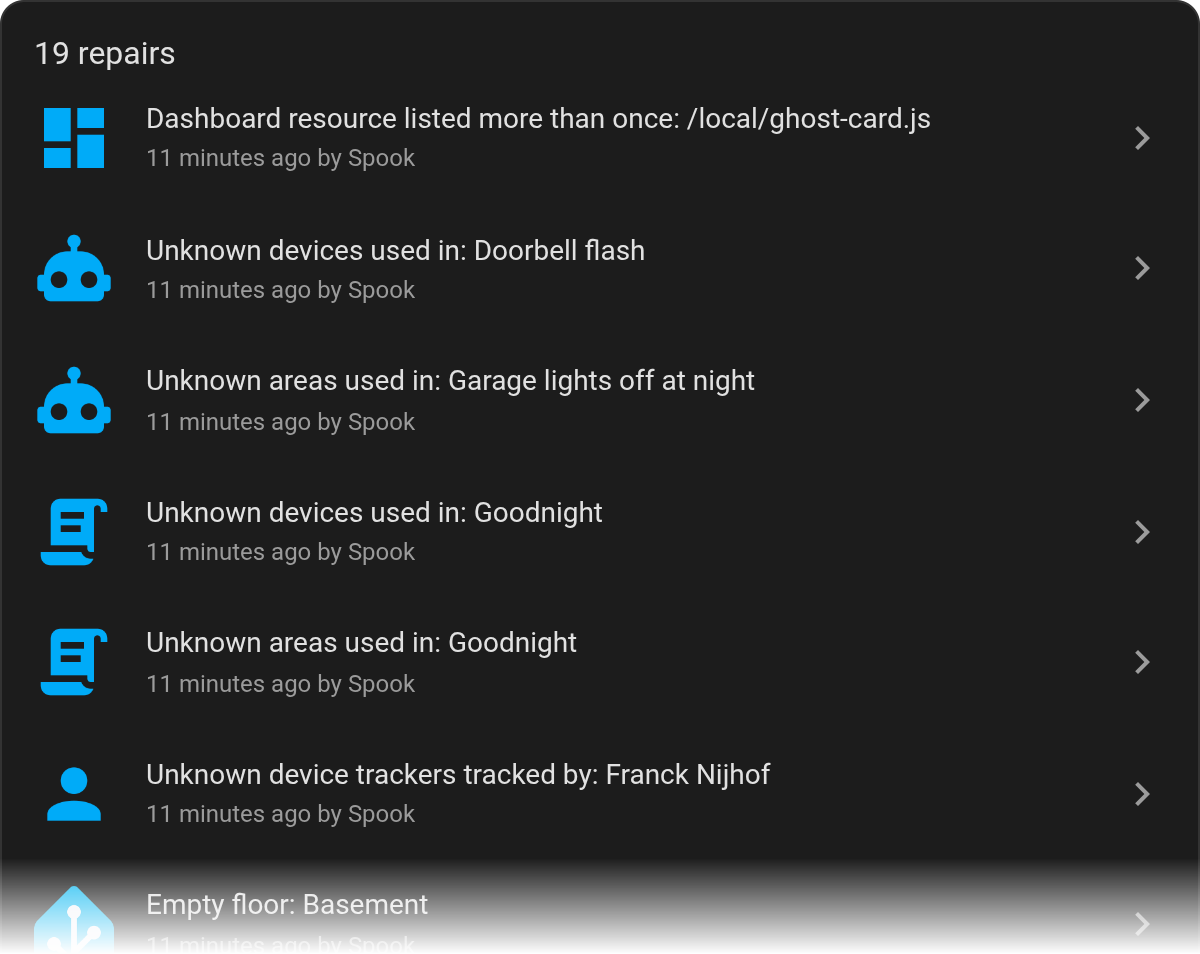
Spook checks your Home Assistant for things that stopped working without telling you, and reports them on your repairs dashboard. Many come with a fix.
Take this part of the tour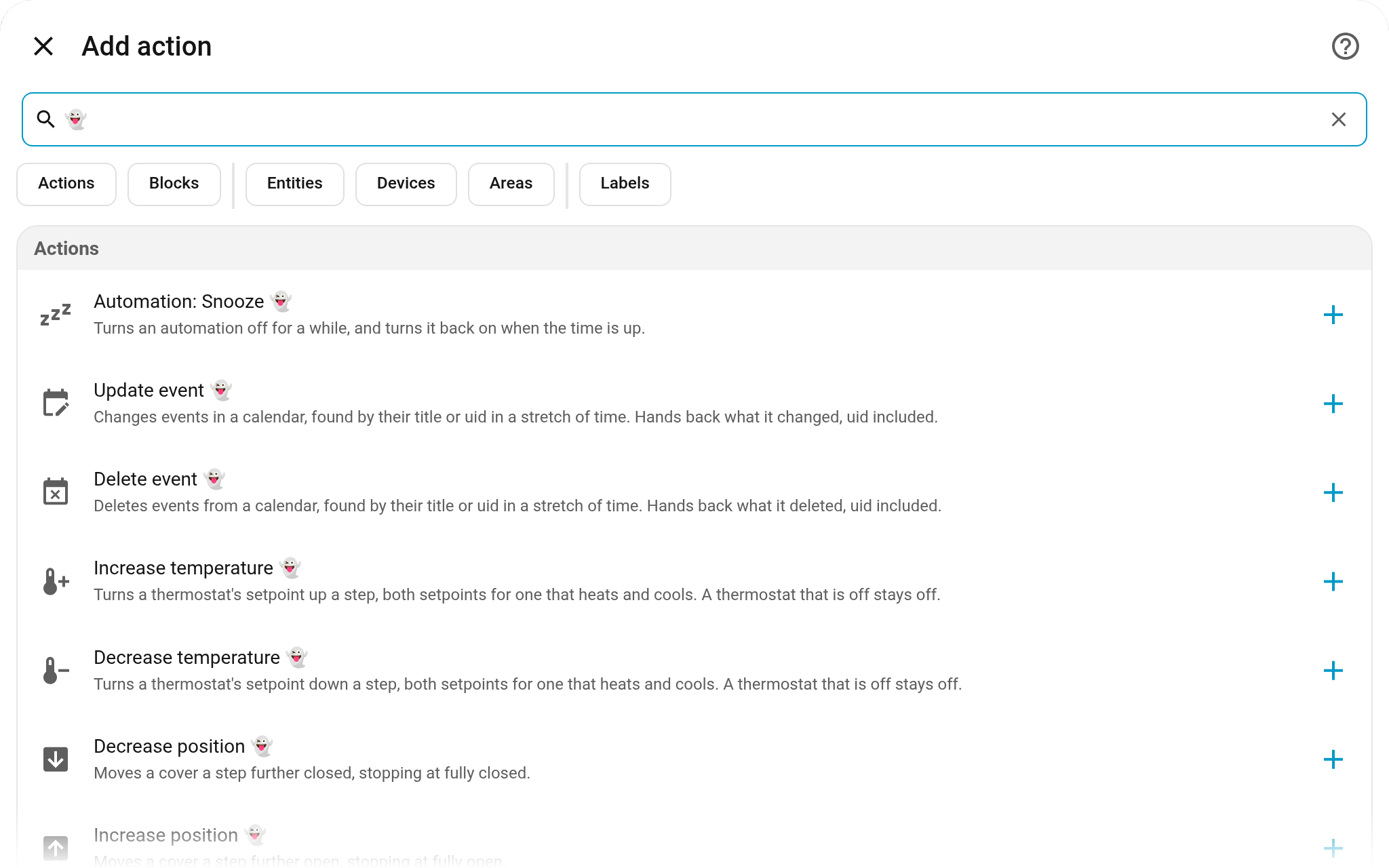
The rest of the toolbox 🧰
Type 👻. See all of it.
Spook adds actions, helpers and sensors to the places of Home Assistant you already use. Search for the ghost, and you see all of it.
Take this part of the tour Is it safe?What does it cost?Can I get rid of it again?
Straight answers 🙋
Not sold yet? Fair.
What it is, what can break, and what happens when you remove it. No marketing.
Read the straight answersEverything in the toolbox
Ready for the “Booo!”
Free and MIT licensed. Install it from the Marketplace in your Home Assistant.