
Updating Spook
Spook does not update itself. A new version shows up in Home Assistant as an update, and you decide when to install it.
Installing an update
The update comes from where you installed Spook: the Marketplace on Home Assistant 2026.11 and newer, HACS on 2026.8 to 2026.10. Both list it with the other updates in Settings.
- In Home Assistant, go to Settings.
- Select the update for Spook at the top of the page.
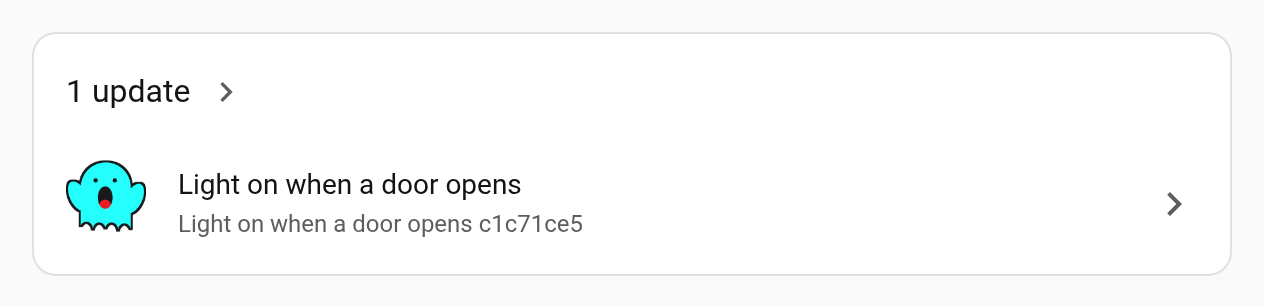
- Read what changed. The release notes are linked from there, and they are always on GitHub.
- Select Update.
- Restart Home Assistant when it asks for it.
No update listed? Then you have the latest version, or the latest version needs a newer Home Assistant than yours. More on that below.
What the version numbers mean
Spook uses three numbers, like 5.11.1: major, minor, patch.
| A new... | Means | Before you update |
|---|---|---|
| Major | Something you may rely on changed or was removed. | Read the release notes. All of them. |
| Minor | New things were added. | Read them if you are curious. |
| Patch | Something was fixed. | Nothing. Update. |
A feature usually leaves Spook because Home Assistant took it over. The release notes say where it went, and so does the page of previous features.
When Spook needs a newer Home Assistant
Every version of Spook states the oldest Home Assistant it works with. Right now that is 2026.8.0. The number goes up over time, as Spook keeps up with Home Assistant.
The Marketplace and HACS read that number before they install anything. So when a new Spook needs a newer Home Assistant than yours, nothing happens to the Spook you have. It stays on its current version and keeps working. Update Home Assistant first, and the new Spook follows.
After a Home Assistant update
Spook uses parts of Home Assistant that are not meant for outsiders. That is how it does what it does, and it is also why a new Home Assistant version can trip it up.
When Spook acts up right after you updated Home Assistant:
- Go to Settings, and install the update for Spook if there is one. A fix is often out already.
- No update? Look at the issue tracker. Chances are someone reported it.
- Not there either? Report it, with the version of Spook and of Home Assistant.
Running a beta of Home Assistant? Then you will be the first to find out. Reports from betas are very welcome: they get things fixed before the release.
More on what to check is in When something is off.
Fix your first repair
Spook found a problem in one of your automations. This guide walks you from the repair in Home Assistant to a working automation, step by step, without touching YAML.
Troubleshooting
Short answers for when Spook does not do what you expect. Missing repairs, a repair that is wrong, an action you cannot find, and how to get the logs.