
Devices & entities
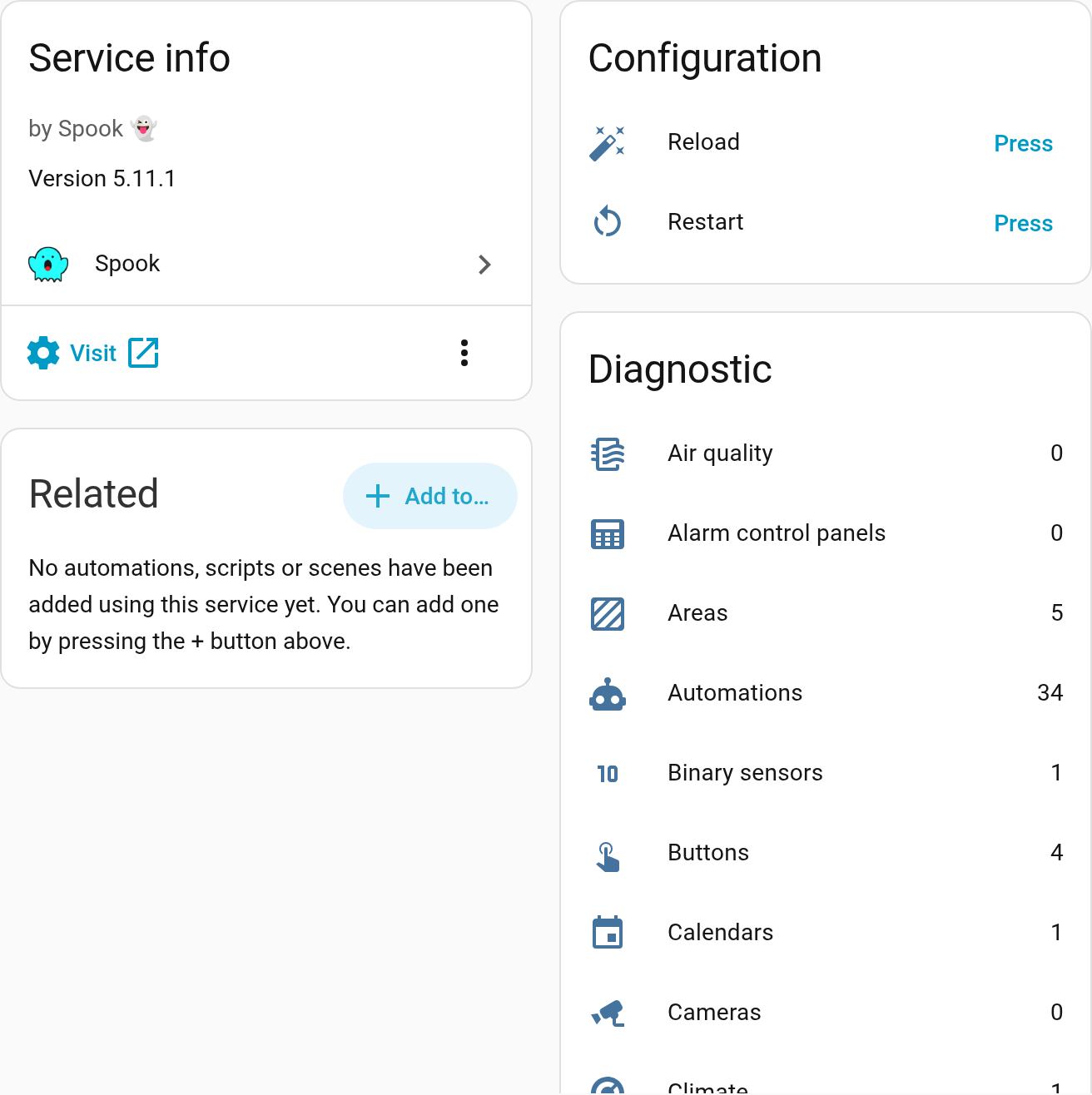
Besides all the new actions for Home Assistant itself, Spook adds a device with entities that are all about Home Assistant. It turns Home Assistant into an integration of its own: buttons to reload and restart it, and sensors that count what is in your setup.
To find them, go to Settings > Devices & services, select Spook, and open the device called Home Assistant.
Devices & entities
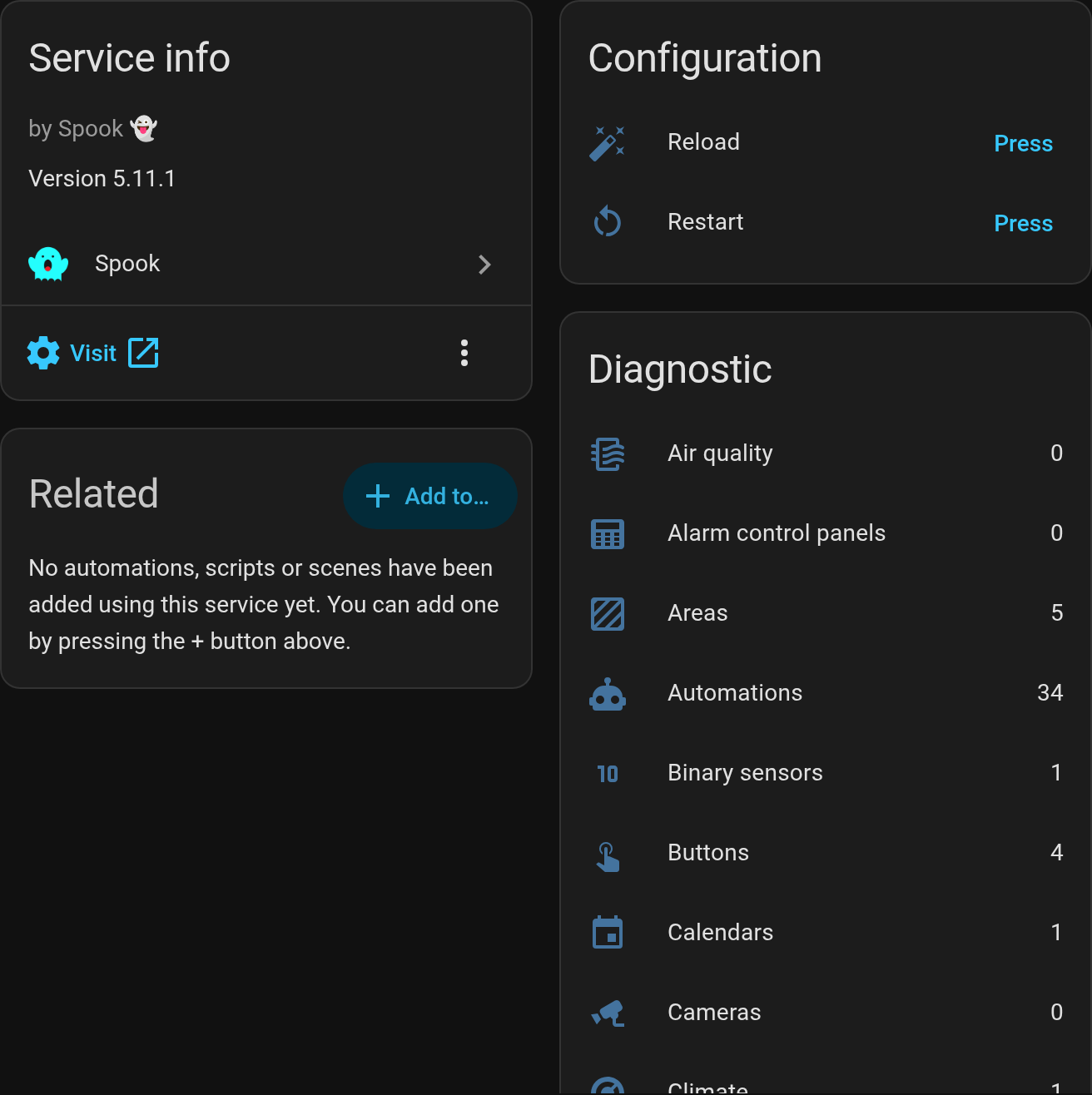
Spook adds one device, called Home Assistant, with the entities below. You use them like any other entity: on a dashboard, in an automation, or in a template.
Buttons
Two buttons for the things you otherwise dig through menus for. Put them on an admin dashboard, and reloading or restarting is one tap away. On the device page, you find them under Configuration.
Reload Home Assistant
Default entity ID: button.homeassistant_reload
Reloads all of your YAML configuration that Home Assistant can reload without a restart, with a single press. It runs Home Assistant's own Reload all action. Handy right after you changed a YAML file.
Restart Home Assistant
Default entity ID: button.homeassistant_restart
Restarts Home Assistant with a single press. This is the normal, careful restart: Home Assistant checks your configuration first, and refuses to restart when it is broken. Need more force? That is the Restart action.
Sensors
Counters, lots of them. How many lights do you have? How many automations? Did that integration you just removed really take its entities with it? These sensors tell you. They keep history too, so you can watch your setup grow over time. They are diagnostic entities, so you find them under Diagnostic on the device page, and add the ones you care about to a dashboard yourself.
Total number of entities
Default entity ID: sensor.entities
The total number of entities in your system (including this one).
This counts every entity that has a state, whether it is in the entity registry or not.
- Entities from YAML, zones and the sun are counted too.
- Disabled entities have no state, so they are not counted.
- The entities page in Home Assistant filters some entities out by default, so its count can differ.
Total number of entities per entity type
For each type of entity, like lights or sensors, a sensor counts how many of that type you have. Good for a quick "how many lights do I have" on a dashboard.
The default entity ID is listed after each sensor below.
- Number of
air_qualityentities (sensor.air_quality) - Number of
alarm_control_panelentities (sensor.alarm_control_panels) - Number of
binary_sensorentities (sensor.binary_sensors) - Number of
buttonentities (sensor.buttons) - Number of
calendarentities (sensor.calendars) - Number of
cameraentities (sensor.cameras) - Number of
climateentities (sensor.climate) - Number of
coverentities (sensor.covers) - Number of
dateentities (sensor.dates) - Number of
datetimeentities (sensor.datetimes) - Number of
device_trackerentities (sensor.device_trackers) - Number of
fanentities (sensor.fans) - Number of
humidifierentities (sensor.humidifiers) - Number of
imageentities (sensor.images) - Number of
lightentities (sensor.lights) - Number of
lockentities (sensor.locks) - Number of
media_playerentities (sensor.media_players) - Number of
numberentities (sensor.numbers) - Number of
remoteentities (sensor.remotes) - Number of
selectentities (sensor.selects) - Number of
sensorentities (sensor.sensors) - Number of
sirenentities (sensor.sirens) - Number of
sttentities (sensor.stt) - Number of
switchentities (sensor.switches) - Number of
textentities (sensor.texts) - Number of
timeentities (sensor.times) - Number of
todoentities (sensor.todos) - Number of
ttsentities (sensor.tts) - Number of
vacuumentities (sensor.vacuums) - Number of
updateentities (sensor.update) - Number of
water_heaterentities (sensor.water_heaters) - Number of
weatherentities (sensor.weather)
Total number of helpers per type
For each kind of helper with its own entity type, like toggles and counters, a sensor counts how many you have.
The default entity ID is listed after each sensor below.
- Number of
counterhelpers (sensor.counters) - Number of
input_booleanhelpers (sensor.input_booleans) - Number of
input_buttonhelpers (sensor.input_buttons) - Number of
input_datetimehelpers (sensor.input_datetimes) - Number of
input_numberhelpers (sensor.input_numbers) - Number of
input_selecthelpers (sensor.input_selects) - Number of
input_texthelpers (sensor.input_texts) - Number of
timerhelpers (sensor.timers)
Other counters
But wait, there are more counters! Areas, automations, devices, integrations and more each get a sensor too.
The default entity ID is listed after each sensor below.
- Number of areas (
sensor.areas) - Number of automations (
sensor.automations) - Number of custom integrations installed (
sensor.custom_integrations) - Number of devices (
sensor.devices) - Number of groups (
sensor.groups) - Number of integrations in use (
sensor.integrations) - Number of persistent notifications (
sensor.persistent_notifications) - Number of persons (
sensor.persons) - Number of scenes (
sensor.scenes) - Number of scripts (
sensor.scripts) - Number of suns (
sensor.suns) - Number of zones (
sensor.zones)
The number of devices counts every device in the device registry, disabled ones included. The devices page in Home Assistant filters some out by default, like disabled ones, so its count can be lower.
Blueprints & tutorials
There are no known blueprints or tutorials for these entities yet. Made one, or found one? Let us know in our discussion forums.
Feature requests, ideas, and support
Got an idea to take this further, like a new action, entity or repair? Let us know in our discussion forums.
Stuck, or found a bug? The Support page tells you where to go for help.
Entity management
Spook adds actions to manage entities in Home Assistant from automations and scripts. Disable, hide, rename, expose, set icons and aliases, and clean up orphans.
User management
Spook adds actions to disable and enable user accounts in Home Assistant from your automations and scripts.